

Upload a pet photo, pick from 14 art styles, get your portrait in 2 minutes. Free preview — pay $19.99 only if you love it. No signup required.
Your dog's goofy grin. Your cat's judgmental side-eye. You've got hundreds of pet photos on your phone, but how many of them feel like art?
That's where AI pet portrait generators change everything. Upload a photo, pick a style, wait two minutes. Suddenly your scruffy rescue is wearing a crown and looking like Renaissance royalty.
Let's break down how this works, what separates a stunning AI pet portrait from a weird digital mess, and how to get results that actually look gallery-worthy.
What Is an AI Pet Portrait?
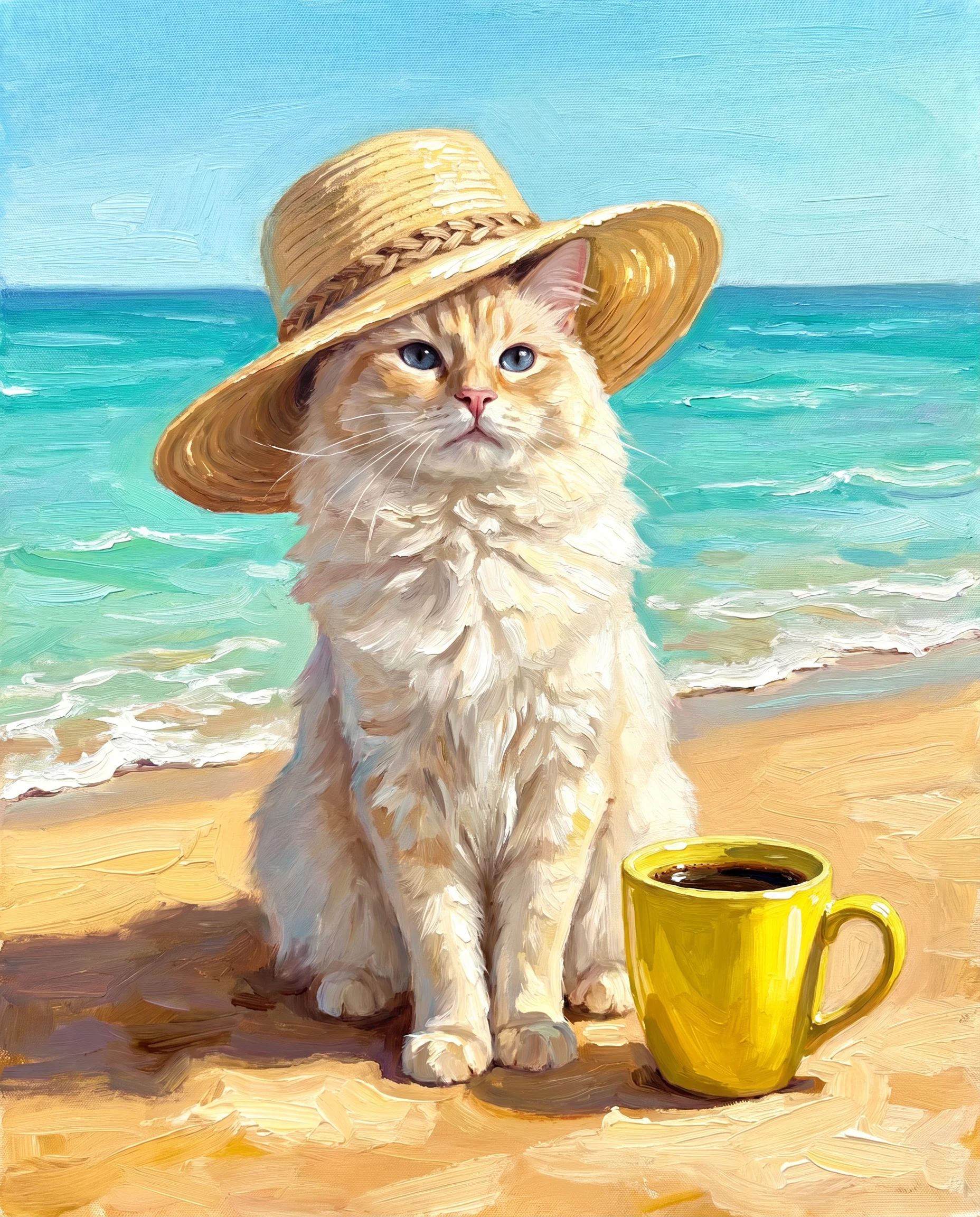
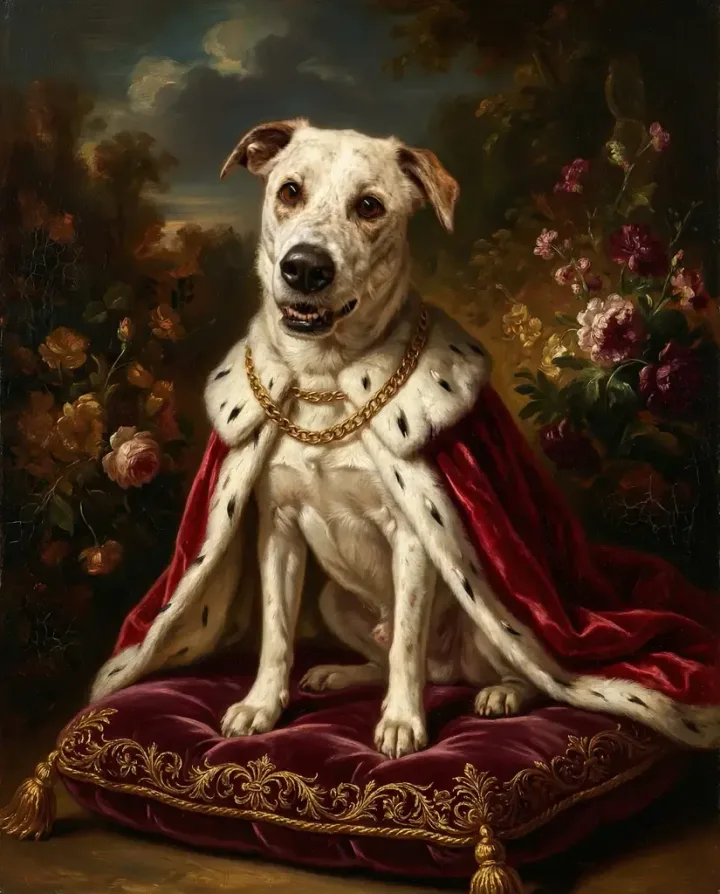
An AI pet portrait is digital artwork created by artificial intelligence that transforms your pet's photo into artistic styles like oil paintings, watercolors, or royal portraits within seconds. Machine learning algorithms analyze your pet's features and recreate them in your chosen art style — delivering custom pet art instantly without commissioning a traditional artist.
Think of it as having a digital artist on standby. You provide the photo. The neural network does the rest.
The difference between a regular pet photo and an AI pet portrait? One captures a moment. The other tells a story.
How AI Pet Portrait Generators Work
Here's what happens when you upload that photo of Mr. Whiskers:
- Image analysis — The AI identifies your pet's features: face structure, fur patterns, eye placement, and body posture using machine learning recognition.
- Style mapping — You choose watercolor, Renaissance portrait, pop art, or dozens of other styles. Each style has its own neural network weights trained on thousands of real artworks.
- Neural network processing — The AI reconstructs the image pixel by pixel using that style's characteristics. It doesn't paste your pet onto a template — it generates an entirely new image.
- Output generation — In 30 seconds to 2 minutes, you get a high-resolution digital art file ready for printing or sharing.
(Trust me, it's way more sophisticated than Instagram filters. We're talking about models trained on millions of artworks from the oil painting tradition, watercolor techniques, and modern digital art styles.)
Popular AI Pet Portrait Styles
Not all styles work equally well for every pet. Here's a breakdown of the most popular ones and what they're best for:
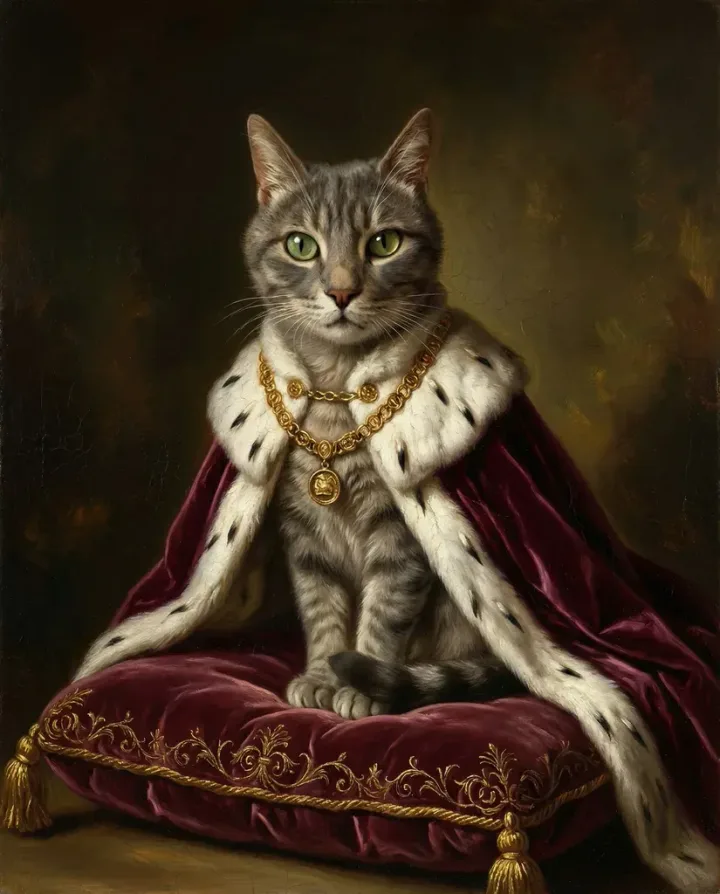
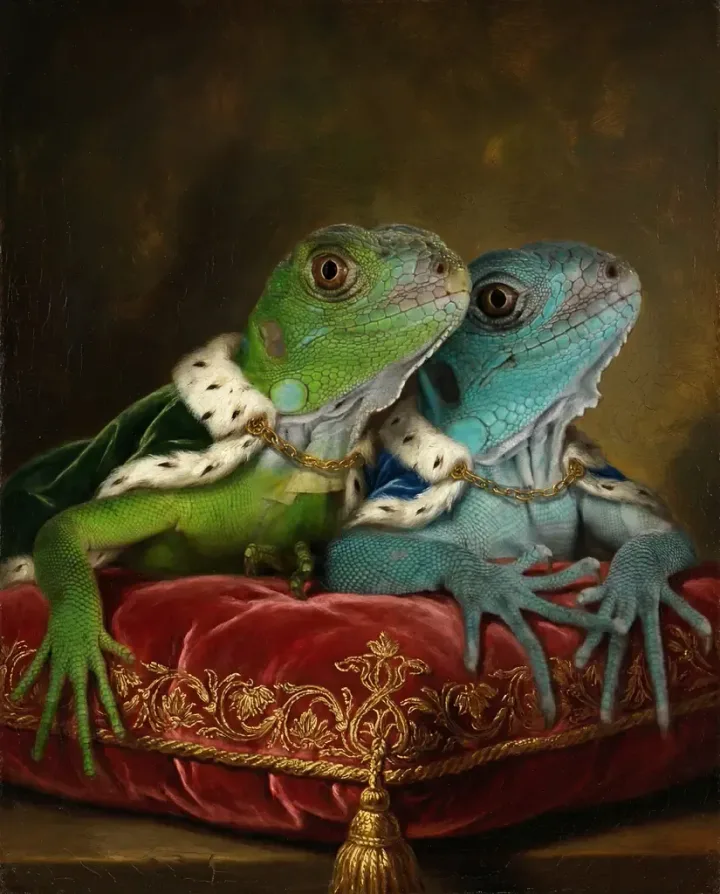
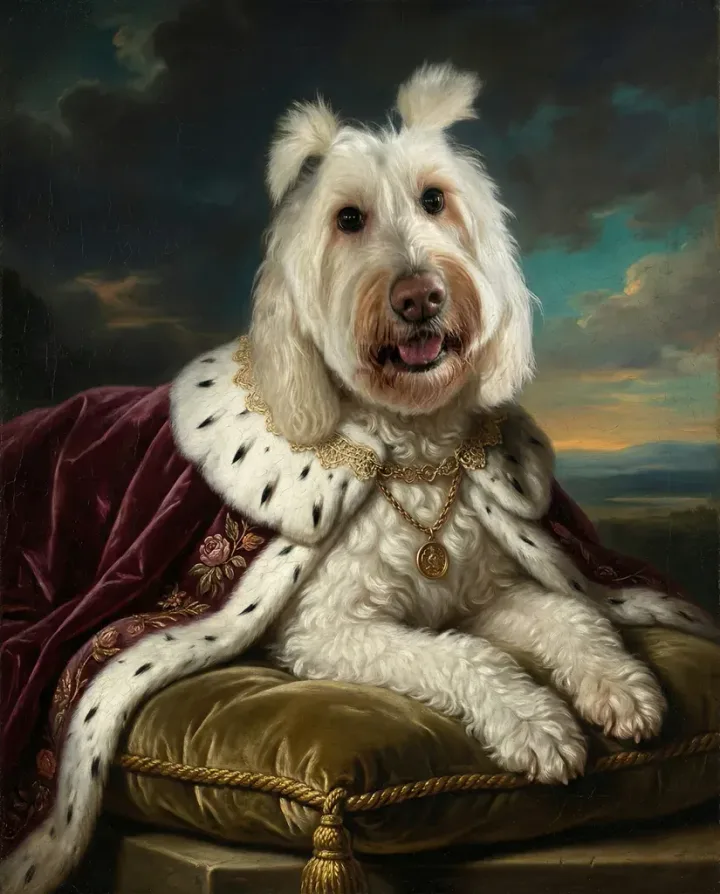
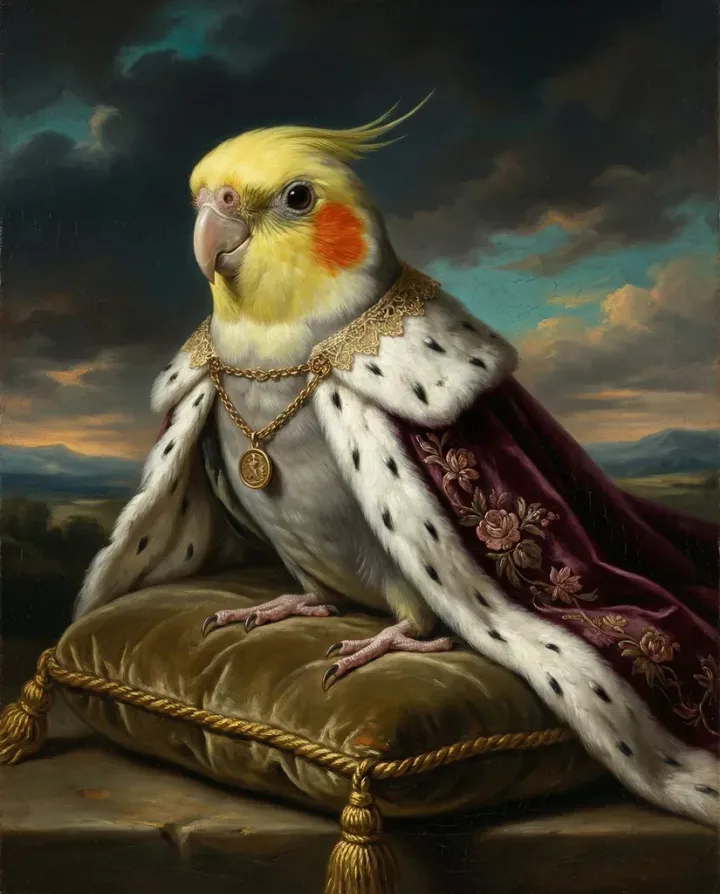
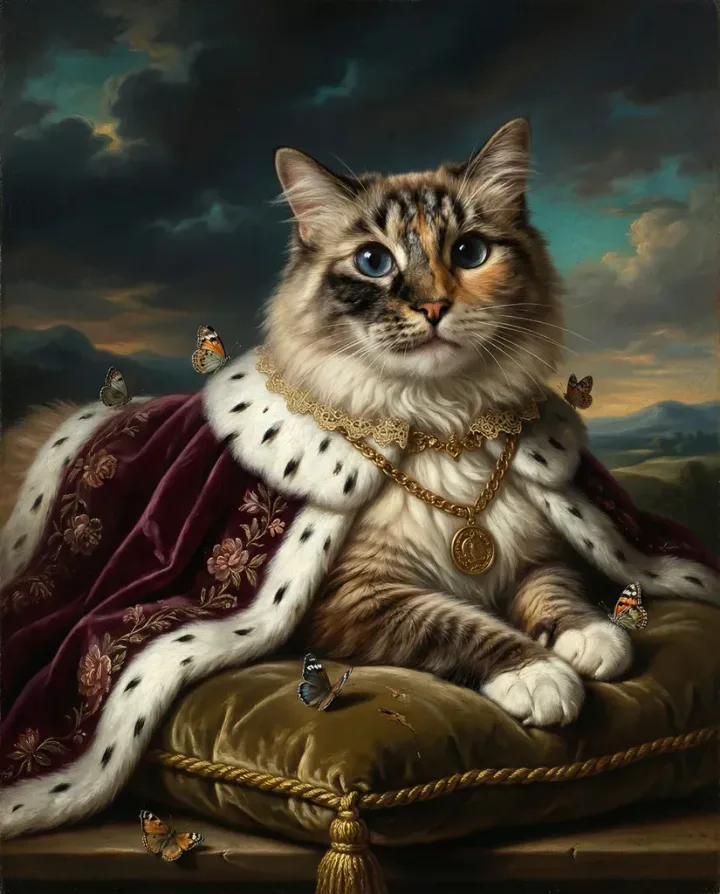
- Royal/Renaissance portraits — Your pet in aristocratic clothing with ornate backgrounds. Works brilliantly for dogs with expressive faces and cats with regal postures.
- Watercolor effects — Soft, flowing colors that create an ethereal look. Particularly beautiful for light-colored pets where the color transitions can really shine.
- Modern pop art — Bold colors and graphic styles (Andy Warhol meets your goldendoodle). Great for playful pets and vibrant room decor.
- Oil painting style — Rich textures and classical brushstrokes for timeless elegance. This is the go-to for a sophisticated, museum-quality feel.
- Cartoon/anime styles — Playful, illustrated versions perfect for kids' rooms or fun gifts. Works well for pets with distinctive features.
Choosing the Right Style for Your Pet's Personality
Here's something most guides won't tell you: the best style isn't about what looks coolest. It's about what captures your pet's personality.
Got a dignified Great Dane who thinks he's better than everyone? Royal portrait. A chaotic kitten who knocks everything off tables? Pop art or cartoon. A gentle senior dog with soulful eyes? Watercolor or soft oil painting.
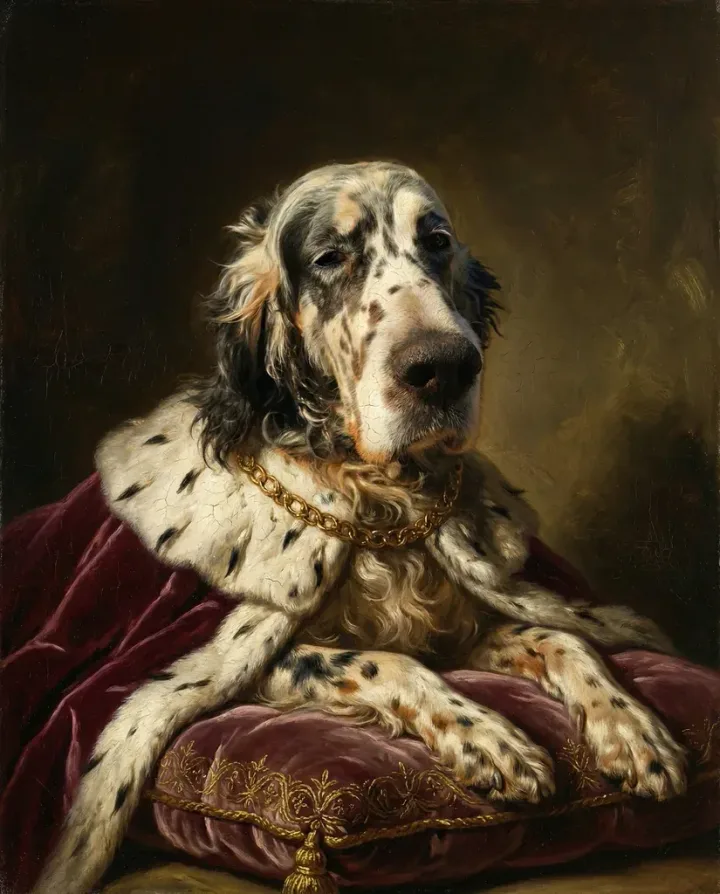
The magic happens when style and personality align. A regal Siamese cat in a Renaissance frame just works in a way that's hard to explain until you see it. And a goofy Labrador in pop art? Chef's kiss.
Here's a rough guide to matching:
| Pet Personality | Best Styles | Avoid |
|---|---|---|
| Dignified / Regal | Royal portrait, Oil painting, Florentine | Cartoon, Pop art |
| Playful / Goofy | Pop art, Cartoon, Bright watercolor | Classical, Dark oil |
| Gentle / Senior | Soft watercolor, Pastel oil, Garden scene | Harsh pop art, Bold cartoon |
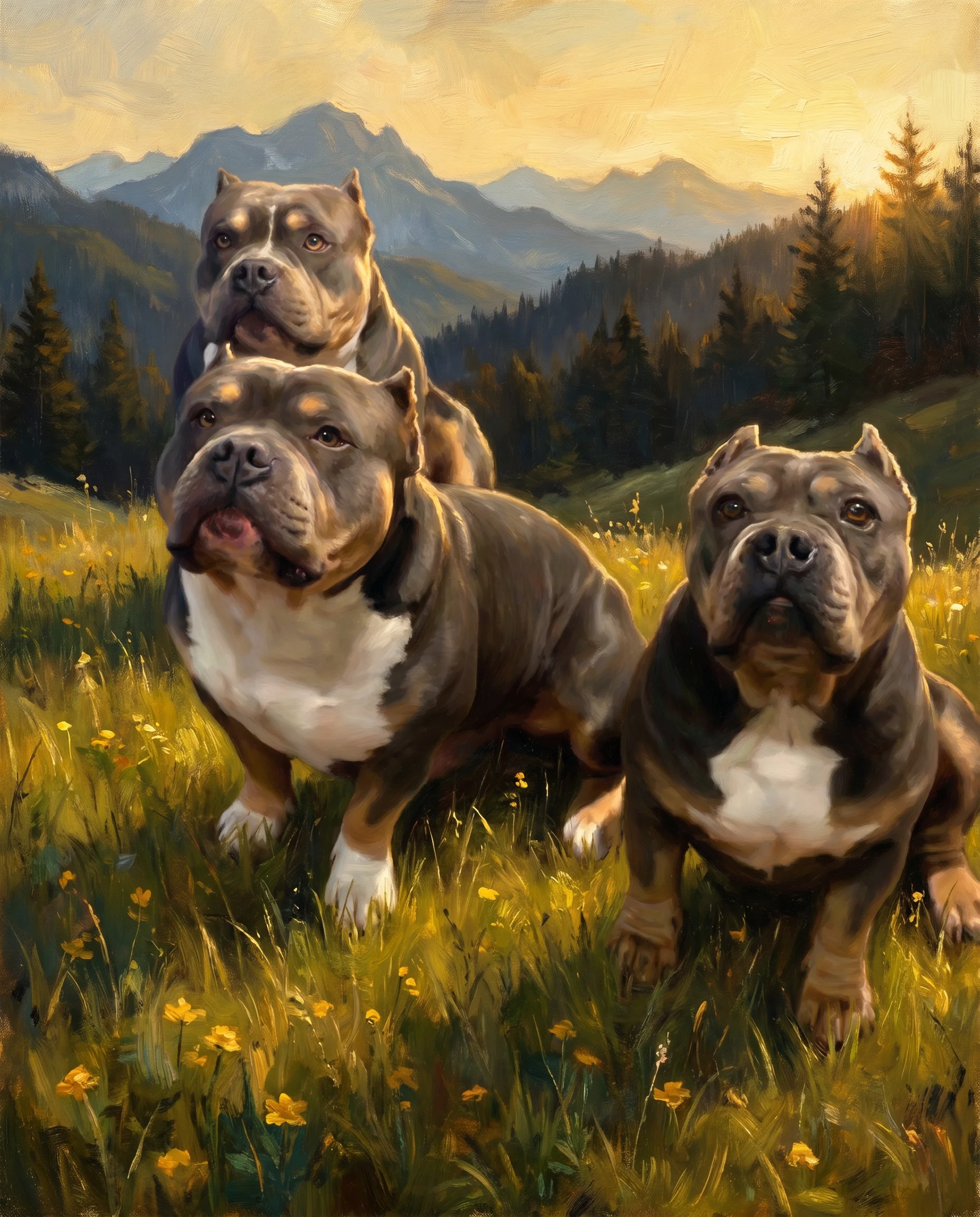
| Fierce / Wild | Dramatic oil, Dark renaissance, Twilight | Pastel, Cute cartoon |
AI Pet Portraits vs Hand-Painted: Which Is Better?
Let's address the elephant in the room. A hand-painted pet portrait costs $300-1,200 and takes 4-8 weeks. An AI pet portrait costs $19.99 and takes 2 minutes. That math alone explains the explosion in popularity.
But this isn't really an either/or question. They serve different purposes.
| Factor | Hand-Painted Portrait | AI Pet Portrait |
|---|---|---|
| Time to create | 4-8 weeks | 2 minutes |
| Cost | $300-1,200+ | $19.99-29.99 |
| Style variety | Limited by artist skill | 50+ styles instantly |
| Revisions | Extra cost + weeks | Regenerate in seconds |
| Print quality | ✓ Original artwork | ✓ High-res canvas print |
| Uniqueness | ✓ One-of-a-kind | ✓ Unique generation |
| Gift-ready | Weeks of planning | Same-day surprise |
Hand-painted portraits carry irreplaceable human artistry and the story of an artist interpreting your pet. AI portraits offer accessibility, speed, and the freedom to experiment with 15 different styles before committing. A commissioned watercolor for your living room and an AI pop art print for your office can coexist perfectly.
How to Create an AI Pet Portrait in 3 Steps
The process is almost suspiciously simple. But there are some tricks that separate mediocre results from jaw-dropping ones.
Step 1: Upload a High-Quality Pet Photo
This is where most people mess up. Your AI pet portrait is only as good as your source photo. Garbage in, garbage out — no algorithm can fix a blurry, backlit mess.
What makes a good source photo:
- Pet's face clearly visible and in focus — this is the most important factor
- Good natural lighting (window light is ideal, not harsh shadows or backlit)
- Simple background — the less clutter, the better
- At least 1000x1000 pixel resolution (most modern phones exceed this easily)
- Eyes visible — the AI uses eye position as a primary anchor point
Step 2: Pick Your Art Style
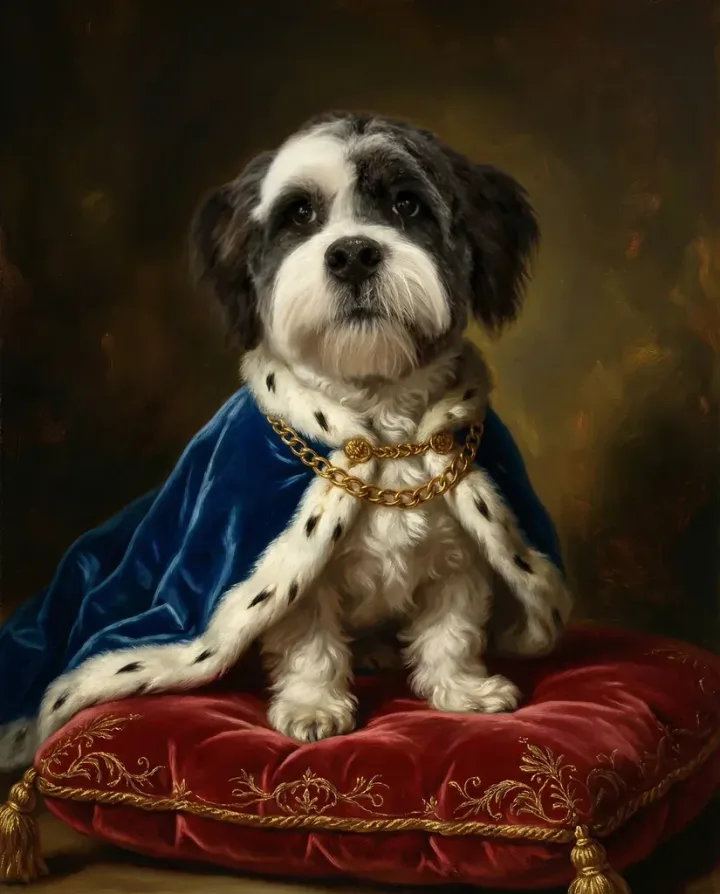
This is the fun part. Scrolling through styles and imagining your pet as Renaissance nobility or a Warhol print. Most platforms show preview thumbnails — click one, hit generate, wait 30 seconds to 2 minutes.
Don't love it? Generate again with a different style. The beauty of AI is unlimited experimentation. You're not locked into your first choice, and trying multiple styles often reveals surprising favorites.
Some tips for style selection:
- Light-colored pets — watercolor and pastel styles let their coloring shine
- Dark-furred pets — oil painting and renaissance styles handle dark fur beautifully with dramatic lighting
- Multiple pets — simpler styles work better; highly detailed styles can muddle multi-pet compositions
Step 3: Download or Print
Once you've got the portrait you love, you've got options. Download the high-resolution digital file for your own printing, or order a canvas print directly. Canvas prints feel more "art gallery" than framed paper prints, and the texture adds depth that makes the portrait look expensive.
Pet Canvas offers direct canvas printing — generate your portrait and order a print in one transaction. No downloading, no finding a print shop, no hoping the colors come out right.
4 Photo Mistakes That Ruin Your AI Pet Portrait
These are the mistakes I see constantly. They're all easy to avoid, and fixing them makes a dramatic difference in output quality.
Mistake #1: Blurry or low-resolution photos. The neural network needs detail to work with. Use your phone's main camera, not screenshots or zoomed-in crops. Minimum 1000x1000 pixels. If you can pinch-to-zoom on the photo and your pet's eyes are still sharp, you're good.
Mistake #2: Bad lighting. Natural window light is ideal. Avoid flash photography (causes red-eye and flat, unnatural lighting) and direct sunlight (creates harsh shadows). If you can't see details in your pet's face clearly, neither can the AI. Overcast days or shaded outdoor spots produce surprisingly good results.
Mistake #3: Busy backgrounds. That adorable photo of your cat peeking through houseplants? The AI will incorporate the leaves into the portrait, sometimes merging them with your pet's fur in weird ways. Use photos with simple, solid-colored backgrounds — or at least ones where the pet is clearly separated from the surroundings.
Mistake #4: Heavily filtered photos. Instagram filters alter colors and textures in ways that confuse the algorithm. Vintage filters, heavy saturation, beauty mode — all of these distort the natural features the AI was trained to recognize. Use unedited, straight-from-camera shots.
What Makes a Great AI Pet Portrait Service
Not all AI portrait generators are created equal. After testing a bunch of them (and being disappointed more than once), here are the things that actually matter:
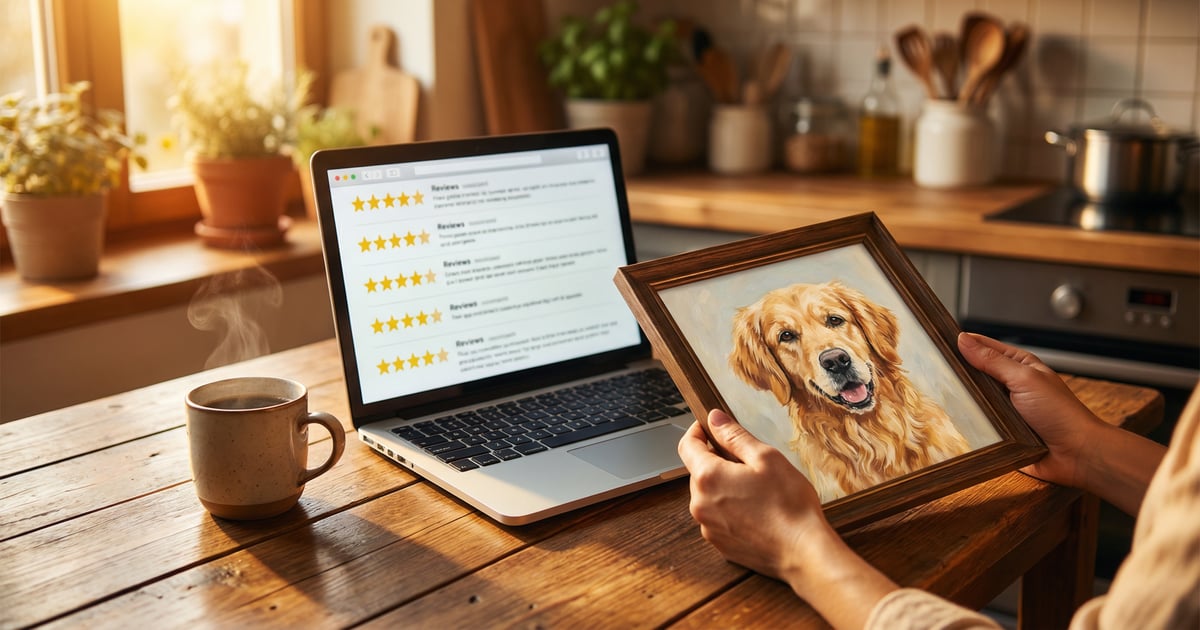
Resolution matters more than you think. Free tools often cap output at 512x512 or 1024x1024 pixels. That's fine for a social media post, but try printing that on a 16x20 canvas and you'll get a blurry, pixelated mess. Look for services that output at least 2000x2000 pixels — ideally 4000+ for large canvas prints.
Style quality varies wildly. Some generators offer 100+ styles, but most of them look identical or produce artifacts. Fewer, well-trained styles beat a massive library of mediocre ones. Pay attention to the style previews — if the samples look off, your results will too.
Processing speed affects your experience. If you're trying 4-5 styles to find the right one, waiting 10 minutes per generation gets old fast. Under 2 minutes is the sweet spot.
Print integration saves headaches. Downloading a file, finding a local print shop, hoping the aspect ratio works, praying the colors match your screen — or just clicking "Order Print" and getting a canvas delivered to your door. Your call.
Creative Ways to Use Your AI Pet Portrait
The Perfect Pet Parent Gift
AI pet portraits make ridiculously good gifts. They're personal, unexpected, and emotionally resonant. Birthdays, holidays, adoption anniversaries, housewarming parties — there's always an occasion.
For surprise gifts, grab the pet's photo from social media. Most pet parents post hundreds of photos — finding a good source image is easy without spoiling the surprise. Match the style to the recipient's home decor for extra points.
One underrated use: matching portraits. Got friends who both have dogs? Get their pets done in the same style and frame size. Instant conversation piece when they visit each other.
Multi-Pet Compositions
Have multiple pets? Some services let you combine them into a single portrait. Two cats lounging together in Renaissance garb, or a dog-and-cat duo in matching pop art frames. It works best when you have a photo of them together, but some platforms can composite separate photos into one scene.
Memorial Portraits
This is heavy, but real. AI pet portraits offer a beautiful way to remember pets who've passed. When you're not ready to commission a $500 painting but want something more meaningful than a phone photo, a custom portrait fills that gap.
Choose gentle styles — watercolor, soft oil painting, classical portraits. Process memorial portraits with care. Some things matter more than novelty. This is one of them.
Home Decor Rotations
Because AI portraits are affordable, you're not locked into one piece forever. Print your pet in a Renaissance style for the living room, pop art for the home office, and a soft watercolor for the bedroom. Rotate them seasonally. Build a gallery wall of the same pet in different styles. At $19.99 per portrait, experimentation costs less than a dinner out.
The Technology Behind AI Pet Portraits
You don't need to understand the tech to use it, but knowing the basics helps you get better results and set realistic expectations.
Most AI pet portrait generators use some form of diffusion models — the same family of AI that powers tools like Stable Diffusion and DALL-E. These models were trained on millions of image pairs: photographs and their artistic interpretations. Over time, the neural network learns the "rules" of each art style — how oil paint catches light, how watercolor bleeds at edges, how Renaissance artists positioned their subjects.
When you upload your pet's photo, the model doesn't just overlay a filter. It creates a new image from scratch, guided by both your photo (for structure and features) and the chosen style (for artistic technique). That's why results feel genuinely artistic rather than gimmicky.
The quality gap between generators usually comes down to three things: training data quality (better art in = better art out), model architecture (newer isn't always better, but usually is), and post-processing (sharpening, color correction, upscaling).
Turn Your Pet Into Art
Upload your pet photo, choose from dozens of artistic styles, and get a stunning portrait in minutes.
Create Your PortraitFree preview — try before you buy