
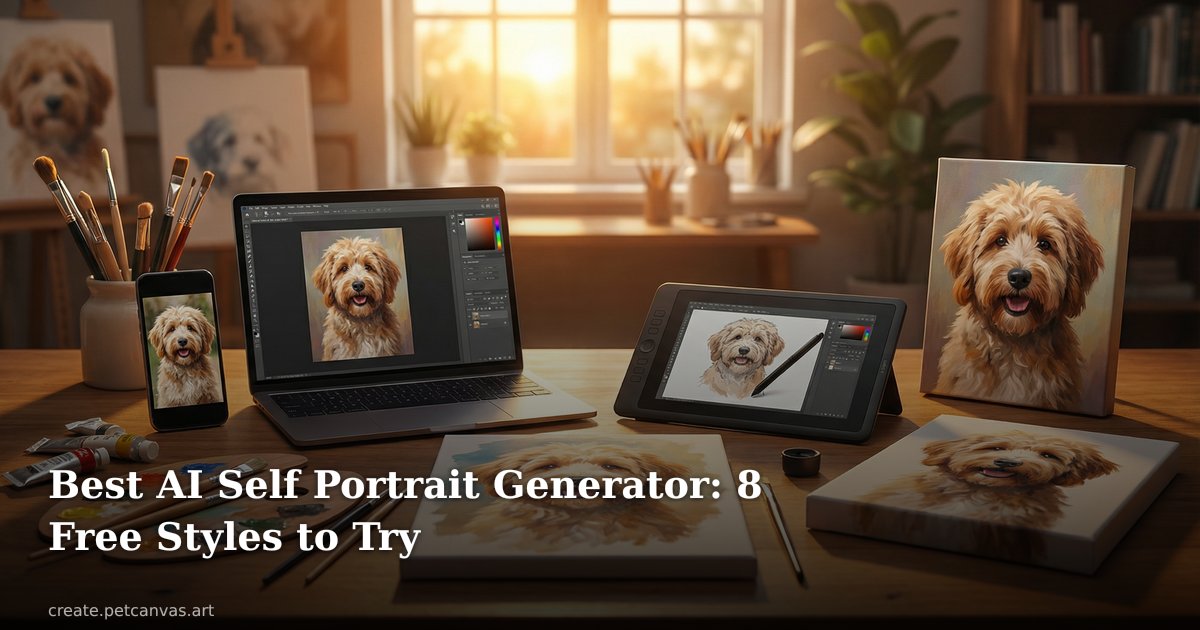
Use the best AI self portrait generator to create stunning classical paintings from your photo. 3 free daily previews, 8 styles. Digital portraits from $12.99.
An AI self portrait generator takes a photo of your face and transforms it into a fine-art style painting — the kind that used to cost hundreds of dollars and weeks of waiting. The technology has genuinely gotten good. Not "good for an app" good. Actually good. Pet Canvas's self portrait tool is one of the few that produces results worth printing, and it's free to try. You'll have a preview in about two minutes.
So what exactly happens when you upload your photo? The AI analyzes your facial features, lighting, and composition, then maps them onto a hand-crafted style template — oil paint textures, dramatic lighting, period-accurate backgrounds. The output looks like a commissioned portrait from a real artist. Not a Snapchat filter with a paintbrush icon slapped on it. That distinction matters a lot, and we'll get into exactly why below.
This guide covers how to use an AI self portrait generator step by step, which styles work best for different goals, how the results compare to other options, and what to do with your portrait once you have it.
What an AI Self Portrait Generator Actually Does
There's a lot of confusion about this, partly because the term covers everything from basic Instagram filters to genuinely complex generative models. Let's be clear about the difference.
A filter overlays a texture or color grade onto your photo. It's fast, it's cheap, and it looks like what it is: a photo with a filter on it. An actual AI self portrait generator — the kind we're talking about here — uses a generative model trained on thousands of classical paintings. It doesn't just change how your photo looks. It reinterprets your face in a completely different medium.
The result is a painting that happens to look like you, not a photo that happens to look like a painting. Subtle difference in description. Massive difference in output quality.
Some AI portrait generators work from text descriptions (text-to-image), but for self portraits specifically, photo-based tools produce far better likeness. Pet Canvas uses your actual photo, not a text prompt, which is why the output actually looks like you.
The Technology Behind It
Modern AI self portrait generators use diffusion models — the same underlying architecture that powers tools like Midjourney and Stable Diffusion. Pet Canvas's system is fine-tuned for portrait work. That means it understands how light falls on a face, how fabric folds, and how background elements in a Baroque-era painting are supposed to relate to the subject. Generic image generators don't have that specialization.
The model also preserves your likeness with more fidelity than general-purpose tools. Your jawline, eye shape, and facial proportions carry through into the portrait — it's recognizably you, just rendered in oils from 1680. Pretty wild, honestly.
Why "Free Preview First" Changes Everything
The thing that actually makes Pet Canvas's generation workflow different from most tools is the free preview. You don't pay anything upfront. You upload your photo, pick a style, and get a watermarked preview in about two minutes. If you love it, you purchase. If it's not quite right, you try a different style. You get three free generations per day, which is usually enough to find the one that clicks.
Compare that to a traditional commission where you'd pay 50–100% upfront before seeing a single brushstroke. The free preview model is genuinely better for the customer. And honestly, it's rare for a tool like this to actually put you first.
How to Use Pet Canvas's AI Self Portrait Generator — Step by Step
Here's the actual process, start to finish.
- Go to /self — that's the dedicated self portrait page. You'll see all eight portrait styles displayed.
- Pick a style — more on choosing below, but any of them work for a first try. The Gilded Salon is a popular starting point because the warm gold tones tend to be flattering on most faces.
- Upload your photo — use a clear, well-lit headshot or portrait. Front-facing photos tend to give the best results. Avoid sunglasses, hats, or anything obscuring your face.
- Wait about two minutes — the AI self portrait generator processes your image and generates a preview. You'll see it on screen with a watermark.
- Decide — if you like it, choose your format: digital download ($12.99), poster ($29.99+), or canvas print ($79.99+). If not, try a different style. You have three free generations per day.
- Download or ship — digital downloads are available immediately. Physical prints are produced and shipped.
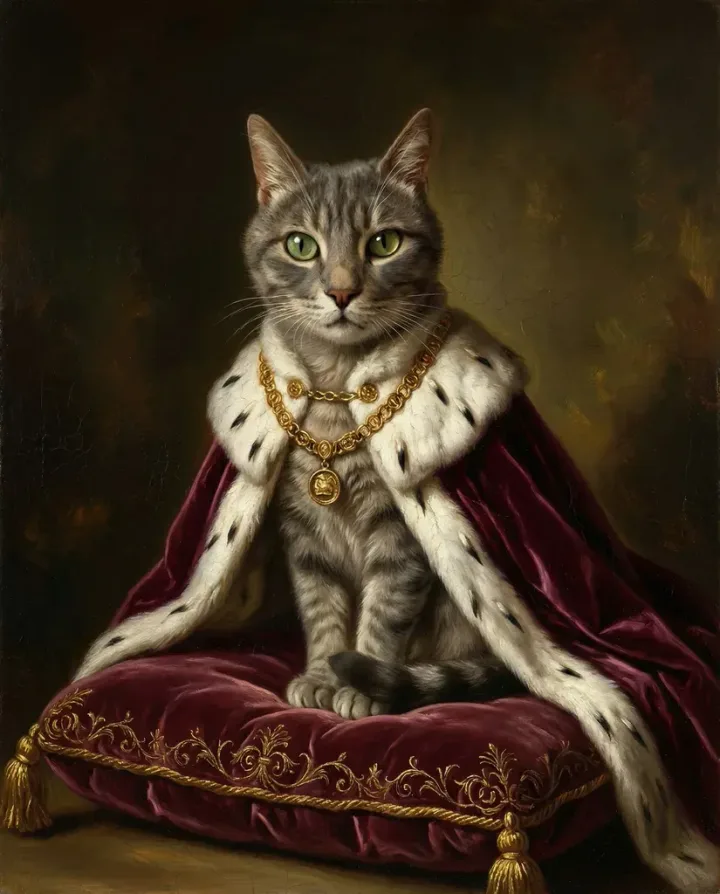
Photo Tips for Better Results
The AI is good, but it works with what you give it. A few things that consistently improve output quality:
- Natural light from a window works better than overhead indoor lighting
- Neutral or simple backgrounds — the AI will replace the background anyway, but a busy background can confuse the face detection
- Photos where your face takes up at least 40% of the frame
- Avoid motion blur — even slight blur affects how the model reads your features
- High resolution when possible, though the tool handles phone photos fine
In my experience, the single biggest upgrade is lighting. A photo taken near a window on a cloudy day will beat a flash photo in a dim room every time. The model just has more to work with.
Choosing the Right Style
Pet Canvas currently offers eight styles for self portraits: The Aristocrat, Gilded Salon, The Tempest, Ember & Oak, Golden Age, Grand Baroque, Royal Court, and The Aristocrat Self. They're all based on different periods and aesthetic traditions in European portrait painting.
Some rough guidance: if you want something regal and formal, Grand Baroque or Royal Court. If you want warm and painterly, Gilded Salon or Ember & Oak. If you want drama and contrast, The Tempest. The Golden Age style has a Dutch Masters quality — muted, rich, deeply textured. And if you're not sure? Start with Gilded Salon. It works for most people.
AI Self Portrait Generator vs. Other Options — Honest Comparison
There are a few different ways to get a portrait of yourself. Here's how they actually stack up.
| Method | Cost | Time | Quality | Likeness |
|---|---|---|---|---|
| Pet Canvas AI self portrait generator (create.petcanvas.art) | Free preview, from $12.99 | ~2 minutes | High — print-ready | Strong face preservation |
| Traditional commission (human artist) | $150–$800+ | 2–6 weeks | Variable — artist dependent | Usually good if artist is experienced |
| Phone apps (Lensa, Remini, etc.) | $3–$15/month subscription | 1–5 minutes | Screen-viewing only, not print-quality | Moderate — often smooths/distorts features |
| Social media filters (Instagram, TikTok) | Free | Instant | Low — obvious filter look | Weak — heavily stylized |
| petcanvas.art (human designers) | Custom pricing | 2 business days | Highest — real artist, unlimited revisions | Excellent — direct artist attention |
The honest answer is: it depends what you need. If you want something for a social media profile photo or a casual gift, the AI self portrait generator is genuinely excellent and costs a fraction of a commission. If you want an heirloom-quality piece with unlimited revisions and a real human reviewing every brushstroke, Pet Canvas's original human designer service (petcanvas.art, in operation since 2018) is probably the better choice. Both options exist. Both serve different needs.
What People Actually Use These For
This is more varied than you'd expect. The obvious use case is "I want a cool portrait of myself" — but the actual use cases people come in with are way more specific.
Social Media Profile Photos
LinkedIn profile photos are a real use case here. A classical oil portrait is distinctive in a sea of headshots. It signals something about your personality without being unprofessional (it's clearly an artistic choice, not a bad photo). And it works. Twitter and Instagram users do the same thing — using an AI self portrait as an avatar makes your profile immediately memorable.
The $12.99 digital download makes sense for this use case. You don't need print quality for a 400x400 pixel profile image.
Home Decor
A large canvas print of yourself in a classical portrait style is genuinely funny and genuinely cool at the same time. It works as a conversation piece in a living room or home office. The canvas prints (from $79.99) are the right format here — you want something that looks like it belongs on a wall, not something that looks like it was printed at a pharmacy.
Not gonna lie, the first time I saw one of these printed large, I didn't expect it to look that good.
Gifts
Personalized portraits are consistently among the most well-received gifts. Compared to the usual gift card or experience booking, a printed portrait of someone in a Renaissance painting style is memorable. It works for birthdays, anniversaries, Mother's Day, Father's Day — really any occasion where you want to give something personal. And because you can preview it for free first, there's no risk of ordering something disappointing.
You can see the full range of formats and pricing on the pricing page.
Professional Headshot Alternatives
Not everyone wants or can afford a professional photography session. An AI self portrait generator doesn't replace a real headshot for a corporate directory — let's be clear about that. But for a personal website, author bio, or freelance profile, a portrait-style image is sometimes more appropriate than a standard photo. It can show a certain aesthetic that a headshot just doesn't.
How AI Self Portraits Compare to Pet Portraits (And Why You Might Want Both)
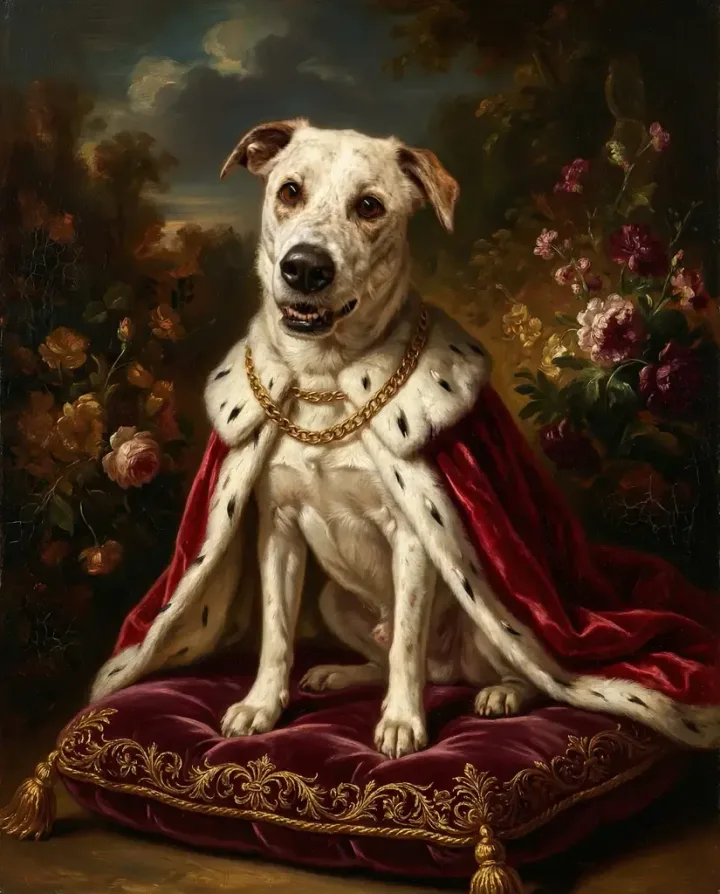
Pet Canvas started as a pet portrait service — that's still the core product, and honestly the custom pet portrait guide is worth reading if you haven't. The self portrait capability came from users who wanted matching sets: their dog in Royal Court style, themselves in Royal Court style, framed together on the same wall. (Which sounds a little extra, but the results are genuinely great.)
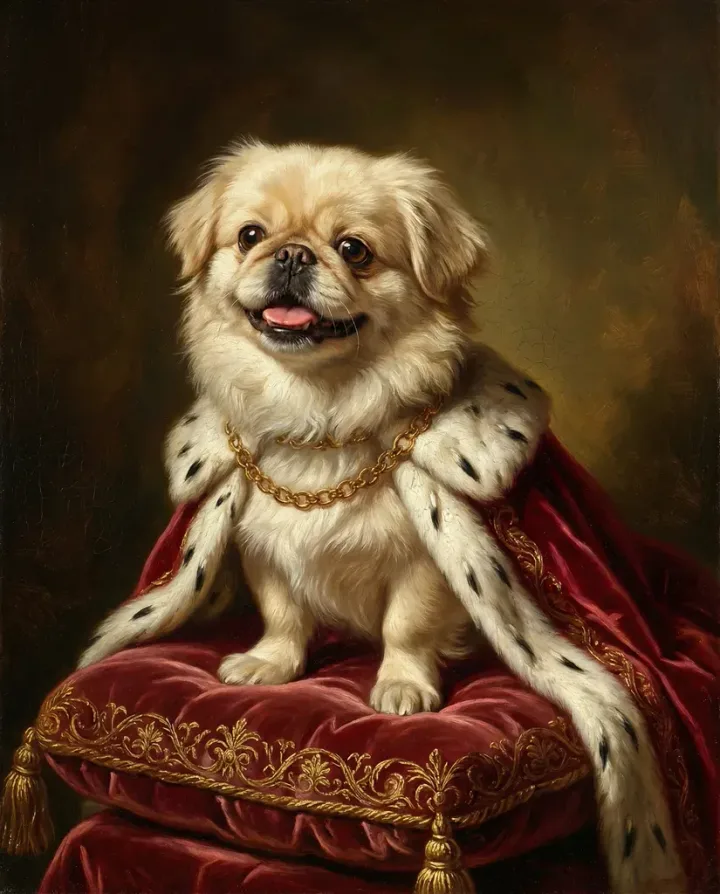
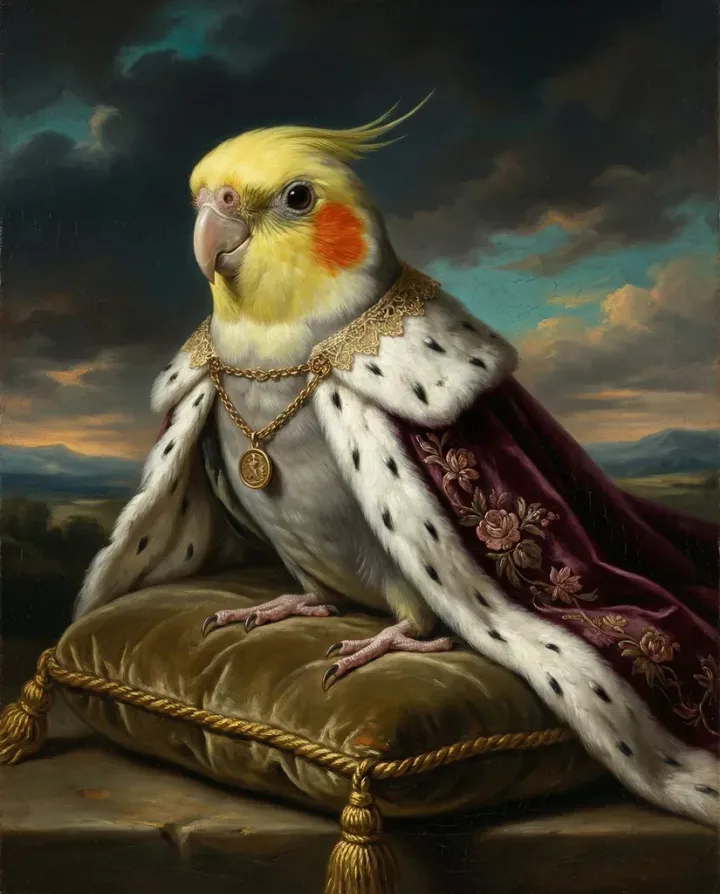
The technology works the same way for people and pets. The model interprets facial features — or snout shapes and ear positions, in the case of animals — maps them to the painting style, and generates something that's recognizably that individual in an entirely different medium. The gallery has examples of both. Worth looking at before you commit to a style.
You can also create family portraits that include you, your partner, kids, and pets together in matching styles. That's the thing — once you try an AI self portrait generator, you tend to want to pull everyone else in too.
Common Problems and How to Fix Them
The AI doesn't always nail it on the first try. Here's what usually goes wrong and what to do about it.
The Portrait Doesn't Look Like Me
This is usually a photo quality issue, not a model limitation. Try uploading a clearer, better-lit photo with your face taking up more of the frame. Front-facing photos (looking directly at the camera) preserve likeness better than three-quarter or profile shots. Also worth trying: a photo taken outdoors in natural light rather than indoor artificial lighting.
I think a lot of people underestimate how much the photo matters. The AI self portrait generator is only as good as the input you give it.
The Style Looks Harsh or Unflattering
Some styles use more dramatic lighting than others. The Tempest, for example, uses strong directional light that creates deep shadows. If that's reading as harsh, try Gilded Salon or Golden Age — they use softer, warmer light. The style you like aesthetically in the abstract might not be the one that works best for your specific face. That's exactly why the free preview matters. Try a few before you decide.
The Background Looks Wrong
AI portrait generators sometimes produce background elements that feel odd — a pillar that doesn't quite belong, a curtain at a weird angle. This is a known limitation of current models. If the background is bothering you, try a different style, since the background is style-dependent. You can also contact support — the human design team can adjust specific elements if you've purchased a print.
Frequently Asked Questions
Is an AI self portrait generator free to use?
The preview is free. Pet Canvas's AI self portrait generator gives you three free watermarked previews per day — you only pay if you want to download the high-resolution version or order a print. The digital download starts at $12.99, posters from $29.99, and canvas prints from $79.99.
How long does an AI self portrait take to generate?
About two minutes. The exact time varies a bit depending on server load, but most previews are ready in under 120 seconds. That's a lot faster than the hours or days some older tools required, and obviously much faster than a human commission (typically 2+ weeks).
What photo should I use for the best results?
A clear, well-lit headshot works best. Natural window light, face taking up most of the frame, looking roughly at the camera. Avoid sunglasses, hats, or heavy backlighting. High resolution helps but isn't required — a standard phone photo is usually sufficient.
Can I generate self portraits and pet portraits in matching styles?
Yes. The same eight styles are available for both people and pets. If you want a matched set in Royal Court or Grand Baroque, you can generate both from the same session. See the pet portrait page and self portrait page to compare styles side by side.
Is there a difference between this and regular photo filters?
A big one. A filter changes how your photo looks. An AI self portrait generator — using a diffusion model trained on classical paintings — reinterprets your face in a different medium entirely. The output is a painting that happens to resemble you, not a photo with a texture overlay. The difference is obvious when you print them: an AI portrait holds up at large sizes, a filtered photo just looks like a filtered photo.
What if I want revisions or something more customized?
The AI self portrait generator produces what it produces — there's no manual revision on the AI side. But Pet Canvas also offers a human designer service (petcanvas.art, their original product since 2018) with unlimited revisions and a two-business-day turnaround. If you need specific adjustments — a particular expression, specific clothing, a custom background — that's the right option. The AI tool is best when you want fast, affordable, and good-enough-to-print.
Turn Your Pet Into Art
Upload your pet photo, choose from dozens of artistic styles, and get a stunning portrait in minutes.
Create Your PortraitFree preview — try before you buy