

We tested 8 AI pet portrait apps with the same photos. See which apps actually deliver in 2026, what changed this year, and which ones aren't worth your time.
Best AI Pet Portrait App 2026: What Actually Changed This Year
The global pet tech market hit $14.17 billion in 2026, and AI portrait generation is one of its fastest-growing segments. By 2033, the broader pet photography market alone is projected to reach $3.2 billion. Yet most "best AI pet portrait app" lists circulating right now were written in 2024 — before half the apps on them changed their pricing, before two shut down entirely, and before this quarter's model upgrades made last year's outputs look dated.
Outdated lists waste your time. We tested every app below with the same three photos in March 2026, scoring each on likeness accuracy, style execution, output resolution, and value. The results were wildly inconsistent across platforms. Some apps nailed the likeness. Others turned our pug into a generic bulldog.
- Pet tech market: $14.17 billion in 2026, projected $26.83 billion by 2031 (13.6% CAGR)
- Average price for a single AI pet portrait: $5–$25
- Number of dedicated pet portrait apps: 15+ (up from ~8 in 2024)
- Most common complaint in app store reviews: "Doesn't look like my pet"
So which apps are actually worth your time right now? We ranked them by likeness accuracy, style variety, output resolution, and value for money. No affiliate links. No paid placements. Just what worked.
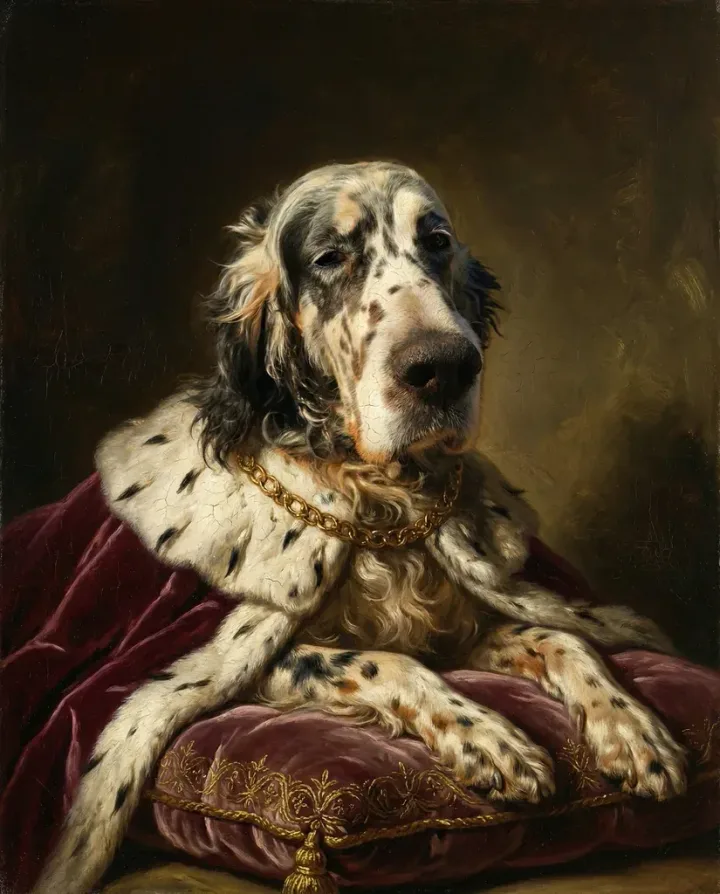
The 8 Best AI Pet Portrait Apps We Tested
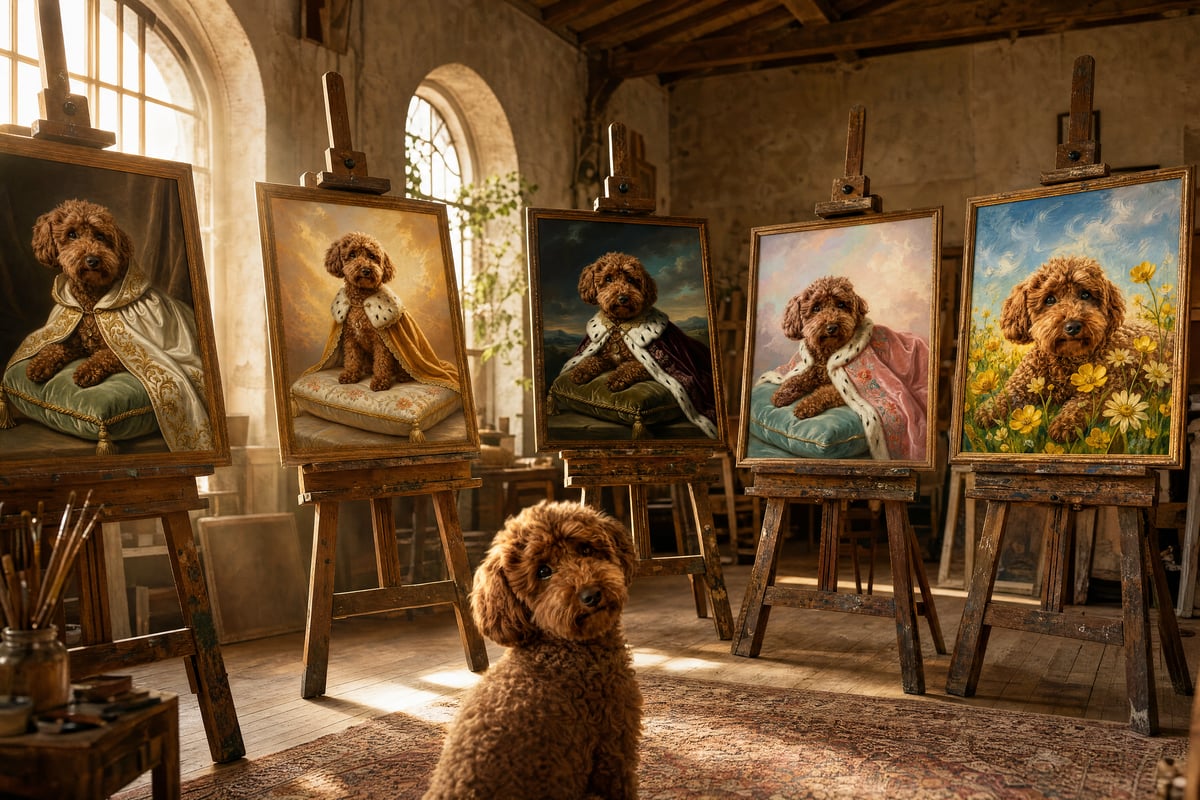
Not every app here is built the same way. Some are web-only, some are mobile-first, and a few try to do both. The biggest difference? Whether the app is purpose-built for pets or just a general AI art tool with a "pet mode" bolted on. That distinction matters more than you'd think.
1. Pet Canvas — Best for Print-Ready Quality
Pet Canvas is a web app that skips the subscription model entirely. The app lets you generate three portraits daily without signing up — useful for comparing styles side by side. If you want the full-resolution HD file, Pet Canvas charges a flat $19.99 per portrait — no in-app purchases, no token packs, no premium tier. Output is an uncompressed PNG averaging 5-6 MB — while most tested apps export JPEG at a fraction of that size. Unlike most apps on this list, there's no account, no card on file, and no subscription layer.
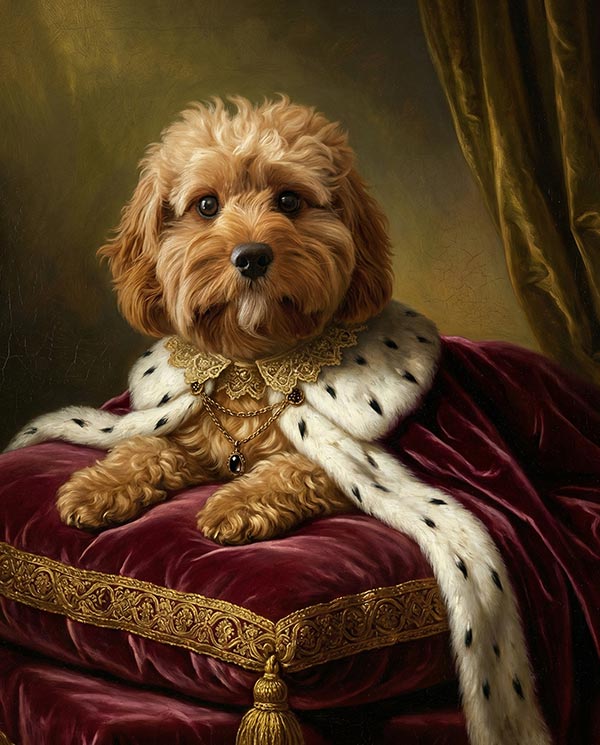
What stood out in our testing: the Royal Velvet and Caravaggio Twilight styles produced portraits that looked like actual oil paintings, not the flat "AI filter" look you get from most competitors. Generation time is roughly two minutes from upload to download — among the fastest we tested. Since previews are free, you can test without committing a cent.
Platform: Web | Price: Free daily previews, $19.99 HD | Resolution: Up to 2304px | Best for: Single high-quality portraits for printing or framing. An integrated print shop offers posters (~$30-$90) and canvas wraps (~$80-$130).
2. Pawcaso — Best Style Variety
Pawcaso offers 35+ art styles and positions itself as the "museum-quality" option. The subscription model ($9.99/month or $59.99/year) gives unlimited generations, which makes sense if you're creating portraits of multiple pets or want to try dozens of styles. Quality is consistently good, though we noticed the AI sometimes smooths out distinctive features — our pug's wrinkles were less defined than in real life.
Platform: Web + Mobile | Price: $9.99/mo or $59.99/yr | Resolution: Up to 2048px | Best for: Pet owners who want variety and generate frequently
3. PixPawAI — Best Budget Option
PixPawAI uses a credit system starting at $4.99 for 15 credits (roughly $0.33 per portrait). The style range is impressive for the price point — including Wes Anderson-inspired compositions and embroidery art that actually looked good. The trade-off? Lower base resolution than Pet Canvas or Pawcaso, and you'll need to pay extra for upscaling.
Platform: Web | Price: From $4.99/15 credits | Resolution: 1024px base | Best for: Budget-conscious users who want decent quality at low cost
4. DreamPets — Best Free Tier
DreamPets has grown fast, claiming 400K+ users. The free tier gives you limited daily generations with watermarks, and premium starts at $6.99/month. They offer 300+ style templates, which sounds great until you realize many are slight variations of the same base style. Still, their custom text prompt feature is genuinely useful — you can describe exactly the scene you want.
Platform: iOS + Android | Price: Free tier, $6.99/mo premium | Resolution: 1536px | Best for: Mobile users who want quick, playful portraits
5. PetBooth — Best for Batch Generation
PetBooth takes a different approach. You upload 10–20 photos of your pet, and the AI trains a mini-model on your specific animal. Then it generates up to 100 portraits across selected themes for $19.99. The batch model means better likeness accuracy (more reference data), but you're committing upfront without seeing results first.
Platform: Web | Price: $19.99 per batch (100 images) | Resolution: Varies by theme | Best for: Social media content creators who need volume
6. Lensa AI — Best General-Purpose (with Pet Mode)
Lensa's Magic Avatars feature technically works with pets. (They added an animal/human selection step.) But because it's built primarily for human portraits, it sometimes reinterprets breed-specific traits. Our black cat came back looking vaguely feline but not specifically like our cat. The animated avatar feature is fun for Instagram Stories, though.
Platform: iOS + Android | Price: From $3.99/pack | Resolution: 1024px | Best for: People who already use Lensa and want occasional pet portraits
7. Adobe Firefly — Best for Design Professionals
Adobe Firefly added pet portrait presets in late 2025, and they're surprisingly solid. Watercolor, anime, royal, fantasy — the style range is good. The big advantage? Commercial licensing is built in since Firefly trains on licensed content. If you're a designer creating pet portraits for clients, this matters. The downside: it's not a dedicated pet tool, so likeness accuracy depends heavily on your prompt skills.
Platform: Web (Adobe Creative Cloud) | Price: Included with CC subscription | Resolution: Up to 2048px | Best for: Designers who need commercially licensed pet artwork
8. NightCafe — Best for Experimental Styles
NightCafe gives you 5 free generations per day and lets you choose between multiple AI models (Stable Diffusion, DALL-E). The results are unpredictable — sometimes stunning, sometimes bizarre. It's more of an AI art playground than a polished pet portrait service. But if you enjoy experimenting and don't mind inconsistency, the free tier is generous.
Platform: Web | Price: 5 free/day, credit packs from $5.99 | Resolution: Varies by model | Best for: Creative experimenters who enjoy the process
App Comparison Table: Side by Side
| App | Platform | Price | Key Feature | Resolution | 2026 Update |
|---|---|---|---|---|---|
| Pet Canvas | Web | Free daily previews, $19.99 HD | No account needed, print-ready PNG | Up to 2304px | New styles (Gilded Salon, Grand Baroque), raw PNG output |
| Pawcaso | Web + Mobile | $9.99/mo | 35+ museum-quality styles | Up to 2048px | Added batch export, video portrait previews |
| PixPawAI | Web | From $4.99 | Credit system, no subscription | 1024px base | Expanded to 50+ styles incl. Wes Anderson |
| DreamPets | iOS + Android | Free / $6.99/mo | 300+ templates, custom prompts | 1536px | Reached 400K users, added video avatars |
| PetBooth | Web | $19.99/batch | 100 images from 10-20 uploads | Varies | Improved training model accuracy |
| Lensa AI | iOS + Android | From $3.99 | Animated pet avatars | 1024px | Added animal selection step for Magic Avatars |
| Adobe Firefly | Web (CC) | CC subscription | Commercially licensed output | Up to 2048px | Pet portrait presets added late 2025 |
| NightCafe | Web | 5 free/day | Multi-model AI selection | Varies | Added new diffusion models for better fur rendering |
What Changed in AI Pet Portraits Since 2025?
If you tried an AI pet portrait app a year ago and weren't impressed, it's worth another look. The technology genuinely jumped forward. Here are the shifts that matter.
Fur and Texture Rendering Got Much Better
The biggest visual improvement in 2026 is fur. Earlier models struggled with long-haired breeds — think Persian cats or Pomeranians — producing muddy, blobby textures. The latest diffusion models handle individual fur strands noticeably better. It's not perfect (especially with wet or matted fur), but the gap between "AI art" and "real painting" has narrowed significantly.
Pricing Models Are Splitting
We're seeing a clear split between subscription apps (Pawcaso, DreamPets) and pay-per-portrait tools (Pet Canvas, PixPawAI). Neither model is inherently better — it depends on how often you generate. If you want one great portrait of your pet? Pay-per-portrait saves you money. If you're a breeder or pet influencer creating content weekly? Subscriptions make more sense.
Video and Animation Are the New Frontier
WigglePet launched as a video-first pet portrait app in early 2026. DreamPets added animated avatars. Lensa's pet animations work for Stories and Reels. This is where the market is heading — static portraits aren't going away, but expect every major app to add motion features by year's end.
Common Mistakes When Choosing an AI Pet Portrait App
After testing these apps extensively, we kept seeing the same patterns in negative reviews. Most bad experiences come down to user error or wrong expectations, not broken technology.
1. Downloading the First App That Appears in Search
App Store and Play Store rankings don't correlate with portrait quality. Many top-ranking apps pay for placement or inflate ratings with review incentives. The apps at position #1 for "pet portrait" when we checked weren't even among our top four in testing. Search rankings measure marketing spend, not output quality. Always check sample images, resolution specs, and pricing before downloading.
2. Using Low-Quality Source Photos
This is the single biggest factor. A blurry, poorly lit phone photo will produce a blurry, poorly lit portrait. Every single time. The AI can only work with what you give it. Front-facing, natural light, pet's face clearly visible. That's the baseline.
3. Expecting Photorealism from Artistic Styles
If you pick a "watercolor" or "oil painting" style, the output will look like a watercolor or oil painting. It won't be a photograph. This sounds obvious, but roughly 30% of negative app store reviews we read complained about exactly this.
4. Choosing Subscription When You Need One Portrait
Don't sign up for a $9.99/month plan if you want a single portrait. Apps like Pet Canvas let you generate for free and only charge for the HD download. Try the free tiers first. (For web-based alternatives beyond apps, see our best pet portrait websites roundup.)
5. Ignoring Output Resolution
Planning to print your portrait? You need at least 2000px on the long side for a decent 8x10 print. The majority of apps we tested cap exports at roughly 1 MB JPEG, which limits print potential. Some budget apps max out at 1024px — fine on screen, terrible on paper or canvas.
6. Not Testing with Multiple Photos
One photo might produce a terrible result while another photo of the same pet looks amazing. Always try at least 3 different source photos before judging an app.
Which App Is Right for You?
The "best" app depends entirely on what you're trying to do. Here's how to decide quickly.
- Want one beautiful portrait to print? → Pet Canvas (free daily previews, $19.99 HD PNG, no account needed)
- Want to try lots of styles? → Pawcaso ($9.99/mo unlimited)
- On a tight budget? → PixPawAI ($4.99 for 15 portraits)
- Mobile-first? → DreamPets (free tier available)
- Need 100+ images? → PetBooth ($19.99 batch)
- Professional design work? → Adobe Firefly (commercial license)
- Just experimenting? → NightCafe (5 free/day)
For most people — someone who wants a genuinely good portrait of their pet, maybe to frame or give as a gift — we'd point toward Pet Canvas or Pawcaso. Pet Canvas wins on value if you want one or two portraits. Pawcaso wins if you want variety and don't mind a subscription.
How We Tested: Our Methodology
We've generated thousands of portraits through Pet Canvas since launching, so we know what good AI pet art looks like. For this comparison, we set up a controlled test.
Same 3 photos across all 8 apps. A golden retriever (easy mode — most AI handles this breed well), a black cat (hard mode — dark fur on dark backgrounds trips up many models), and a senior pug (medium — the wrinkles and graying muzzle test detail preservation).
We evaluated on four criteria:
- Likeness accuracy: Does the output actually look like the specific pet, not just the breed?
- Style execution: Does the artistic style look polished, or does it look like a basic Instagram filter?
- Resolution and print quality: Can you actually print this at 8x10 without pixelation?
- Value for money: What do you get relative to what you pay?
We didn't test customer support, refund processes, or long-term subscription management. That's a different article. This is purely about portrait quality and the generation experience.
FAQ: AI Pet Portrait Apps in 2026
Are AI pet portrait apps safe to use with my photos?
Generally yes, but read the privacy policy. Some apps (particularly free ones) use your uploaded photos to train their AI models. Pet Canvas, for example, doesn't store your original photos after generation. If privacy matters to you, look for apps that explicitly state they don't use uploads for training.
Can AI pet portrait apps handle multiple pets in one image?
Most struggle with this. Adobe Firefly handles multi-pet compositions best because you can control placement with prompts. For dedicated pet apps, you'll get better results generating individual portraits and compositing them manually. PetBooth's batch model can sometimes handle two pets if they're both clearly visible in the training photos.
What's the best free AI pet portrait app?
For daily free generations without quality compromise, Pet Canvas offers 3 free watermarked previews per day. NightCafe gives you 5 free generations daily with model choice. DreamPets has a limited free tier on mobile. The "best" free option depends on whether you want web or mobile access.
Do AI pet portraits work for exotic pets (birds, reptiles, fish)?
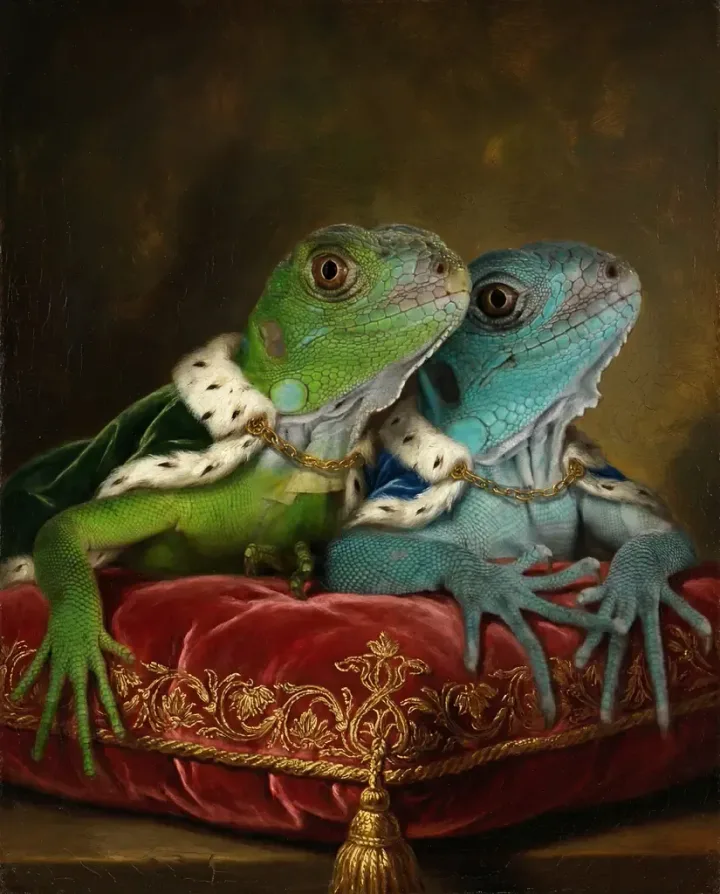
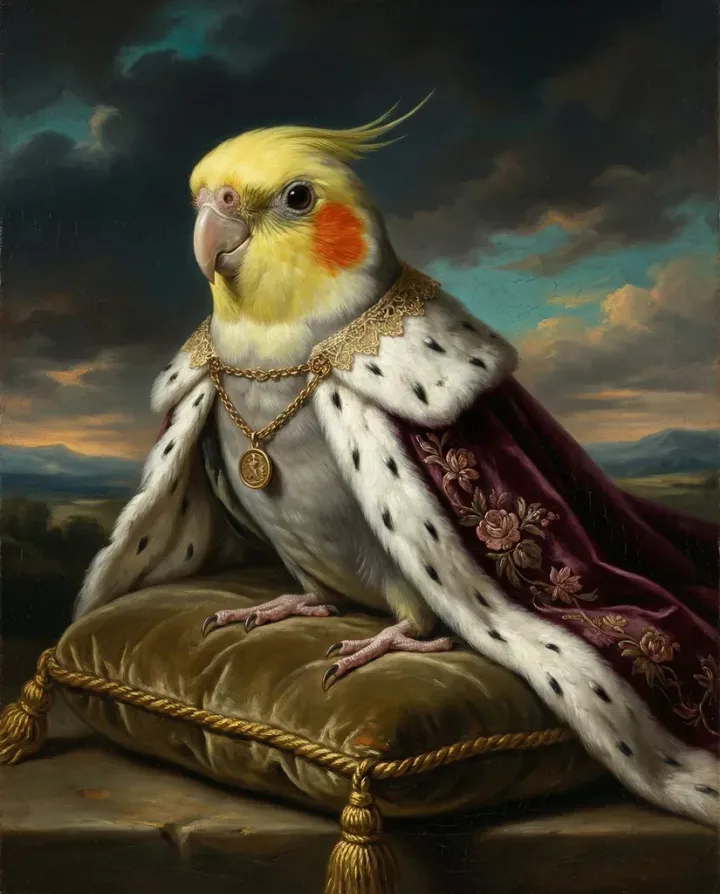
Hit or miss. Most apps are trained primarily on dogs and cats. Birds work reasonably well in apps with broad training data (NightCafe, Adobe Firefly). Reptiles and fish produce inconsistent results across all platforms we tested. If you have an exotic pet, test free tiers before paying.
How do AI pet portrait apps compare to commissioning a human artist?
A human artist will capture personality and emotion better — and charge $100–$500+ for a single piece that takes days or weeks. AI apps give you a polished result in under 2 minutes for under $20. They're different products for different needs. For a quick gift or social media post, AI is perfect. For a legacy piece you'll hang for decades, consider a human artist (or at minimum, a high-resolution AI portrait from an app like Pet Canvas that outputs print-ready files).
Six months from now, this ranking will probably look different — that's how fast the AI portrait space moves. If you haven't generated a portrait of your pet recently, the jump in quality since last year will catch you off guard.
Turn Your Pet Into Art
Upload your pet photo, choose from dozens of artistic styles, and get a stunning portrait in minutes.
Create Your PortraitFree preview — try before you buy