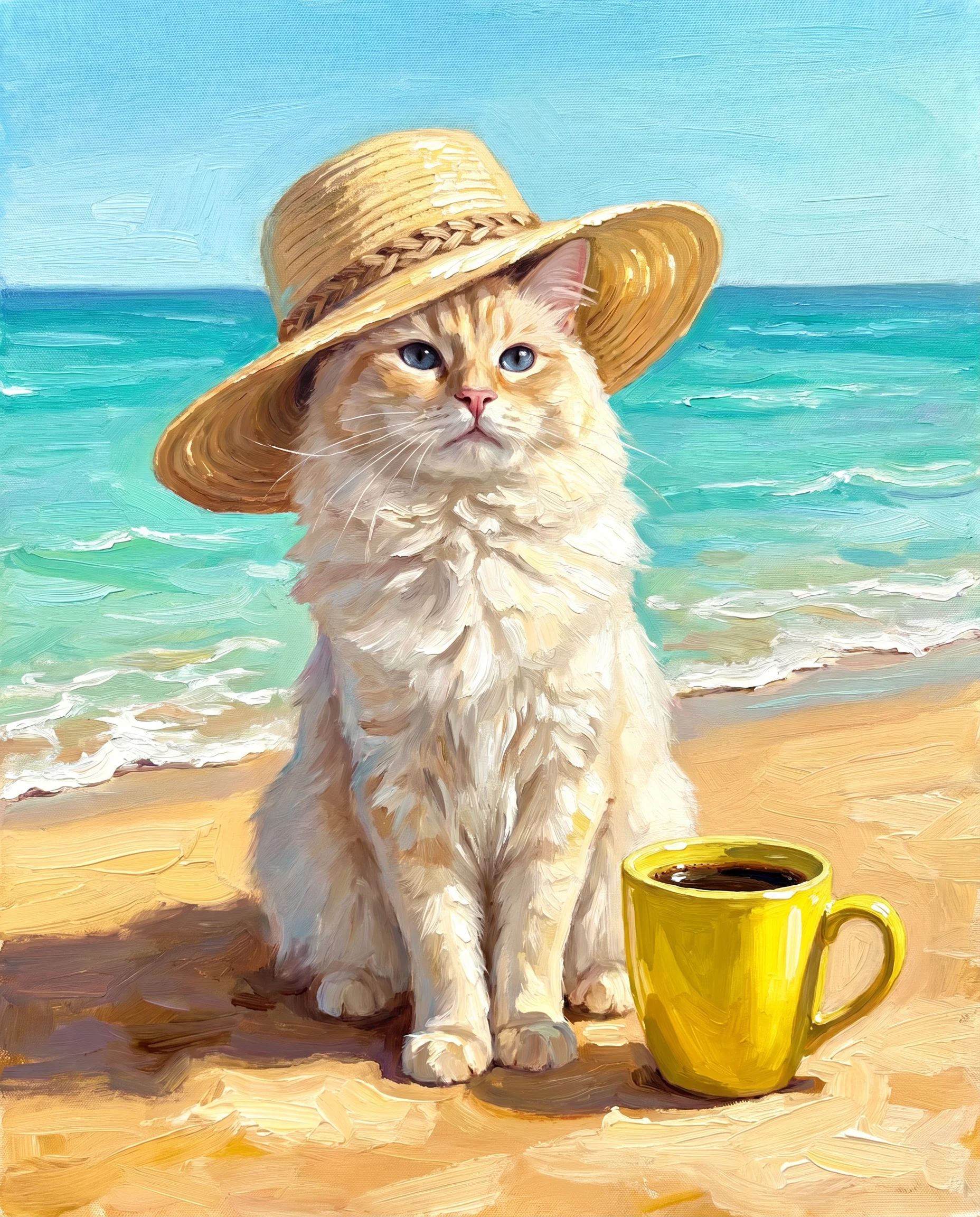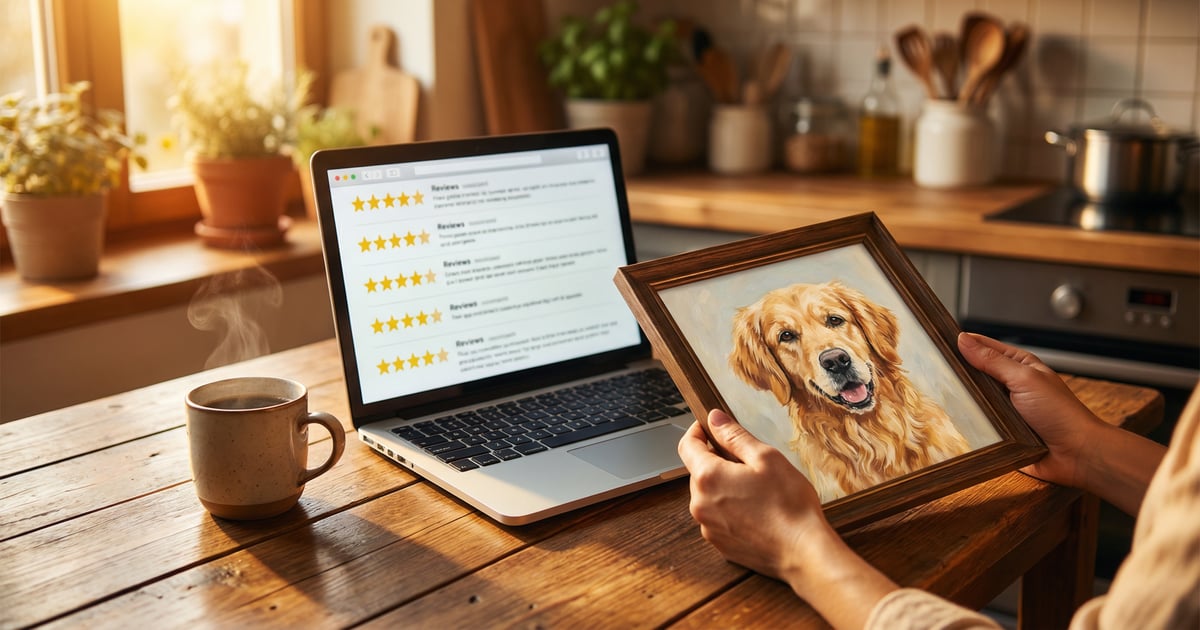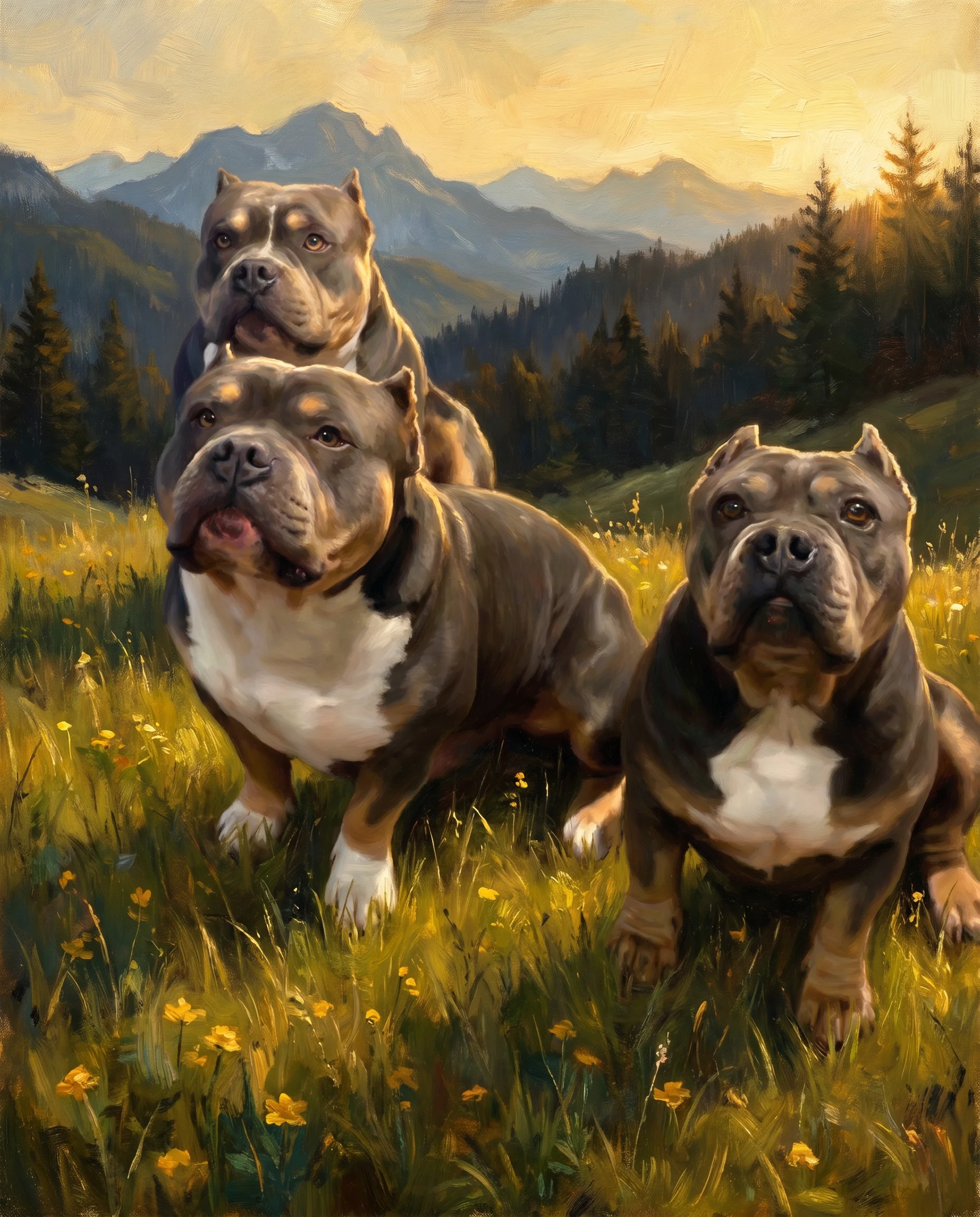


Turn any family portrait painting from photo into gallery-worthy art. 7 classical AI styles, free preview in 2 minutes. Digital from $19.99, canvas from $79.99.
A family portrait painting from photo used to require hiring an artist, sitting for hours, and spending hundreds or thousands of dollars. I'm not exaggerating. Classic family portrait commissions run between $500 and $5,000 depending on the artist. AI has changed this completely. The quality has improved to the point where results genuinely surprise me.
Whether you've got a chaotic photo from last Thanksgiving or a carefully posed shot, modern AI can turn it into a painting. The result looks like it belongs in a European gallery. The technology doesn't just apply a filter. It rebuilds the image in the full visual language of classic painting.
Why Family Portrait Painting From Photo Has Replaced Traditional Commissions
We take thousands of photos on our phones every year. So why would anyone bother turning one into a painting? Because there's a real difference between a photo and a portrait that goes beyond looks.
Photos capture a moment. Portraits capture an identity. A family portrait painting from photo doesn't just show what everyone looked like on that Tuesday. It lifts the family into something timeless. There's a reason family portraits have been commissioned for centuries by people who wanted to preserve their legacy.
I've seen families display these AI-generated portraits in their living rooms, and guests always stop to look. Always. The conversation starter value alone makes it worthwhile.
The Emotional Investment
Something changes when you hang a proper portrait instead of sticking a photo on the fridge. It signals permanence. This isn't a snapshot. A family portrait painting from photo is a statement that this family, at this point in time, is worth keeping forever.
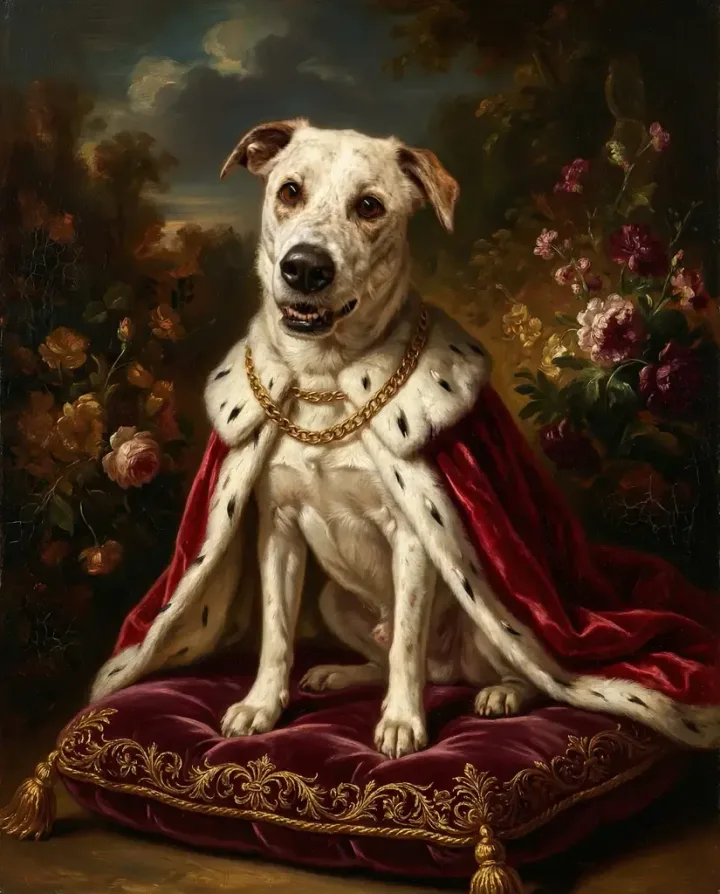
For families with pets, this is especially powerful. The family portrait page at Pet Canvas lets you include everyone — humans and animals — in one unified layout.
Painting Styles That Transform Your Family Photos
The style you choose changes everything about how the final portrait feels. Let me walk you through the main options and who each one works best for.
The Aristocrat
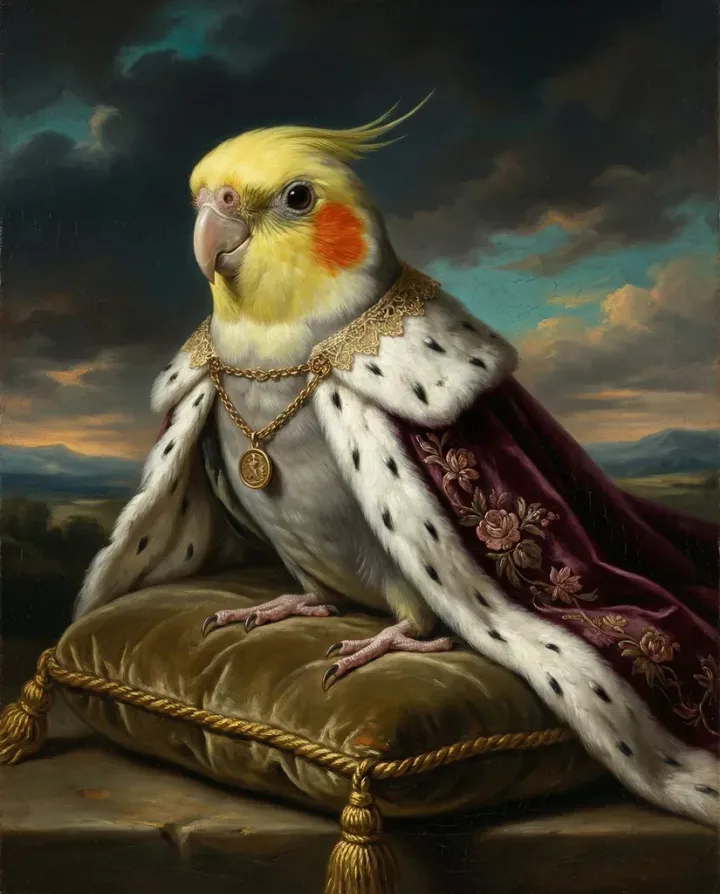
This style places your family in the visual tradition of 18th-century aristocratic portraiture. Think powdered wigs, ornate clothing, and that air of authority that old money portraits carry. It's funny, it's striking, and it works especially well for families with a good sense of humor about themselves.
Gilded Salon
Inspired by the grand salons of European palaces, this style wraps your family in warm gold tones and rich textures. It's less humorous than The Aristocrat and more genuinely beautiful. I'd suggest this for portraits that will hang in formal living spaces or dining rooms.
The Tempest
Dramatic and moody, The Tempest style uses storm-inspired backgrounds and Romantic-era painting techniques. Your family looks heroic, like they're about to face something epic together. It's my personal favorite for families with teenagers (trust me on this one).
Ember & Oak
Warm and intimate, with firelight tones and rich earth colors. This style feels like a portrait painted by candlelight in a country manor. It's cozy. It's inviting. And it works beautifully for fall or winter photos where everyone's bundled up.
Golden Age
Drawing from the Dutch Golden Age painting tradition, this style emphasizes rich detail and natural lighting. It's probably the most "painterly" of all the options. Visible brushwork textures make the final result look remarkably like an actual oil painting.
Grand Baroque and Royal Court
These two styles go maximum grandeur. Elaborate backgrounds, regal poses, and the kind of over-the-top opulence that makes everyone laugh at first — then quietly admit it looks incredible. Grand Baroque is slightly more ornate. Royal Court has a cleaner layout.
| Style | Mood | Best For | Background Complexity |
|---|---|---|---|
| The Aristocrat | Humorous, stately | Families who don't take themselves too seriously | Medium |
| Gilded Salon | Warm, luxurious | Formal display, living rooms | High |
| The Tempest | Dramatic, heroic | Families with personality | High |
| Ember & Oak | Cozy, intimate | Smaller families, couples with pets | Medium |
| Golden Age | Naturalistic, detailed | Art lovers, classic homes | Medium-High |
| Grand Baroque | Opulent, grand | Large families, statement pieces | Very High |
| Royal Court | Regal, composed | Clean layouts, symmetrical groups | High |
Getting the Best Results from Your Family Portrait Painting From Photo
The quality of your AI portrait depends heavily on the photo you upload. But don't panic. You don't need pro photos. You just need to meet a few basic criteria.
Lighting is everything. Natural light from a window works better than direct flash. If your best family photo was taken outdoors on a cloudy day, you're in great shape. Overcast skies create even, flattering light.
Face visibility matters most. The AI needs to see facial features clearly. Sunglasses, heavy shadows, and extreme angles all make the job harder. A straight-on or three-quarter view with everyone clearly lit gives the best results.
Group positioning affects the layout. Photos where family members are close together translate better into painted scenes. If everyone is spread across a wide frame, the AI has to fill in more gaps. The result can look disconnected.
What About Old Family Photos?
Scanned prints and older digital photos can work, but resolution matters. Anything above 1 megapixel is workable. If you're scanning a printed photo, use at least 300 DPI. The AI can fix some quality issues. But it can't invent facial features that aren't visible in the source.
Common Mistakes When Ordering
I've watched enough people go through this process to spot the patterns. Here are the mistakes that come up most often, and how to avoid them.
Using a photo where someone is cropped out. If one person is at the edge and partially cut off, the AI has to guess what they look like. Sometimes it nails it. Sometimes it doesn't. Use a photo where everyone is fully in frame, even if the layout isn't perfect.
Choosing a style based on the demo, not your photo. The demo images use ideal source photos. Your vacation photo might look great in Gilded Salon but odd in The Tempest. Lighting direction can clash with a style's built-in shadows. That's why the free preview exists — test before you buy.
Ordering a canvas that's too small for the wall. A 12x16 canvas with five people means tiny faces. For groups of four or more, go at least 24x36 inches. The pricing page lists all available sizes.
Forgetting the pets. About half the families I've seen order portraits end up wishing they'd included the dog or cat. If the pet is part of the family (and if you're reading this site, it probably is), include them from the start. Adding them later means a separate portrait.
AI Portraits vs. Traditional Commissioned Paintings
Let's be honest about what AI can and can't do compared to a human artist. I've seen both, and they serve different purposes.
A human-commissioned portrait from a talented artist is a genuine work of fine art. Each brushstroke is intentional. The artist interprets your family — not just reproduces it. You get unlimited revisions with services like petcanvas.art (doing this since 2018). Delivery takes about 2 days.
An AI family portrait painting from photo at create.petcanvas.art gives you a result in 2 minutes with a free preview. The quality is impressive and keeps getting better. For most people, the AI version is more than enough — especially at the $19.99 digital price point.
| Factor | AI Portrait (create.petcanvas.art) | Human Artist (petcanvas.art) |
|---|---|---|
| Speed | ~2 minutes | ~2 days |
| Price (digital) | $19.99 | Higher (varies by artist) |
| Preview | Free, instant | Draft provided |
| Revisions | Re-generate with different styles | Unlimited |
| Style Options | 7+ AI styles | Hundreds of templates |
| Personalization | Algorithm-driven | Human interpretation |
Creative Ways to Display Your Family Portrait
You've got this gorgeous AI-generated family painting. Now what? How you display it matters almost as much as the portrait itself.
Above the fireplace. The classic position for a reason. If you have a mantel, a canvas print centered above it creates an instant focal point. Aim for something that fills about two-thirds of the mantel width.
Gallery wall anchor. Use the family portrait as the largest piece in a gallery wall. Surround it with smaller photos, prints, and frames of different sizes. The portrait becomes the centerpiece.
Staircase statement. A large canvas on the staircase wall creates a dramatic reveal as guests walk up or down. The height of a staircase wall gives you room for a bigger canvas than you might hang elsewhere.
Digital Display Options
Not everyone wants a physical print, and that's fine. Digital family portraits look great on digital picture frames, as desktop wallpapers, or printed through local services where you can choose your own paper and frame.
Family Portraits as Gifts: When and How
A family portrait painting from photo makes a great gift, especially for grandparents, newlyweds, and families who've recently added a new member — human or animal.
For grandparents, a portrait of all their grandchildren (possibly with the family dog) is basically the ultimate gift. I was surprised by how emotional the reactions can be. Seeing your grandchildren painted in a classic style connects past and present. Regular photos simply don't do that.
For new parents, a portrait of the couple with their new baby (and existing pets) makes a perfect first birthday gift. The kids portrait styles use softer color palettes that work beautifully in nurseries.
Step-by-Step: From Photo to Finished Portrait
The process is simpler than you might expect. Here's exactly how it works.
Step 1: Choose your photo. Pick a photo where everyone's face is visible and well-lit. Group photos work, but you can also submit individual photos to be combined together.
Step 2: Pick your style. Visit the family portrait page and browse the available styles. Each one shows examples so you know what to expect.
Step 3: Upload and generate. Upload your photo, select your style, and the AI generates a preview in about 2 minutes. This preview is free. No payment needed to see what you'll get.
Step 4: Choose your format. Happy with the preview? Pick digital ($19.99), poster (from $29.99), or canvas (from $79.99). Digital is instant. Physical prints ship to your door.
Step 5: Display proudly. Hang it, gift it, or share it. Most people end up ordering multiple styles because the first one turns out so well.
Turn Your Pet Into Art
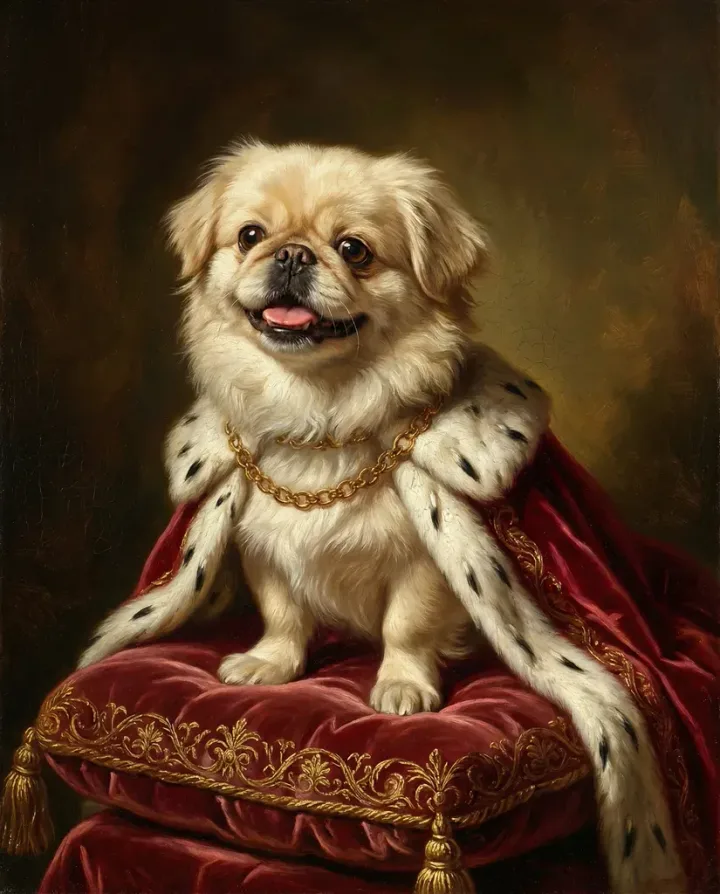
Upload your pet photo, choose from dozens of artistic styles, and get a stunning portrait in minutes.
Create Your PortraitFree preview — try before you buy