
We tested 7 free AI portrait generators for quality, resolution, and pet support. See which ones actually work for printing and which are social-media-only.
What Is a Free AI Portrait Generator, and Are They Actually Good?
A free AI portrait generator takes your photo and transforms it into artwork using artificial intelligence. Upload a selfie, a pet photo, or a family picture, and the AI applies a painting style in seconds. No drawing skills required. No Photoshop. Just upload and wait.
The honest answer about quality: it depends entirely on which tool you use. Some free AI portrait generators produce cartoon doodles at phone-wallpaper resolution. Others create genuine museum-quality oil painting effects that you could print on canvas and hang on a wall. The gap between the worst and best free options is massive.
I've tested over a dozen of these tools in the past few months. Some were impressive. Most were disappointing. A few were genuinely surprising. Here's what I found, ranked by actual output quality rather than marketing promises.
7 Best Free AI Portrait Generators in 2026 (Tested & Ranked)
1. Pet Canvas — Best for Classical Portrait Styles
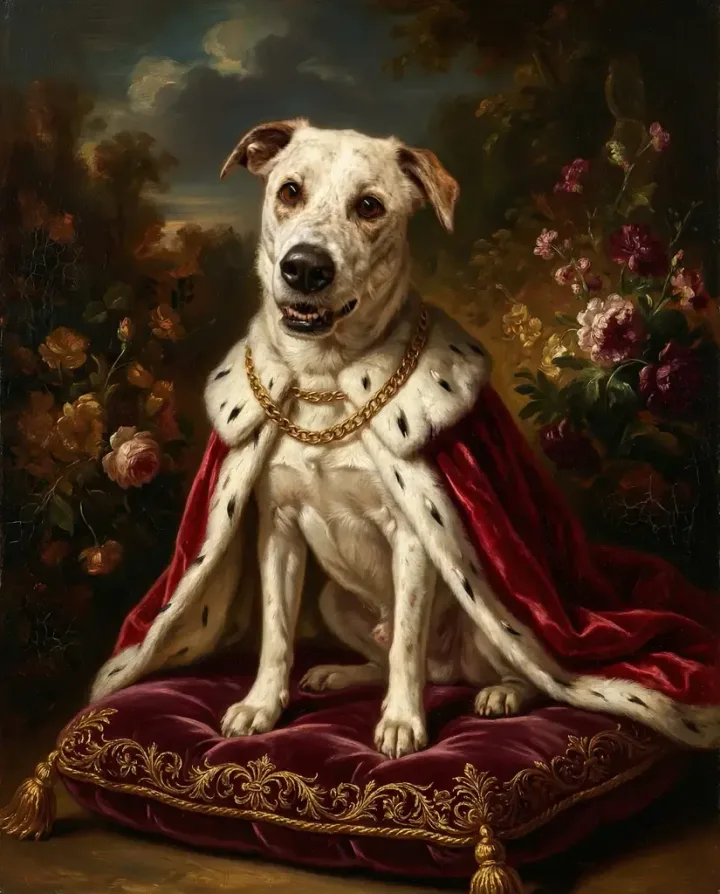
create.petcanvas.art is the AI-powered branch of petcanvas.art, which has been creating hand-crafted portraits by real designers since 2018 (hundreds of templates, unlimited revisions, 2-day average delivery). The AI version generates Renaissance, Baroque, and Post-Impressionist style portraits in about 2 minutes.
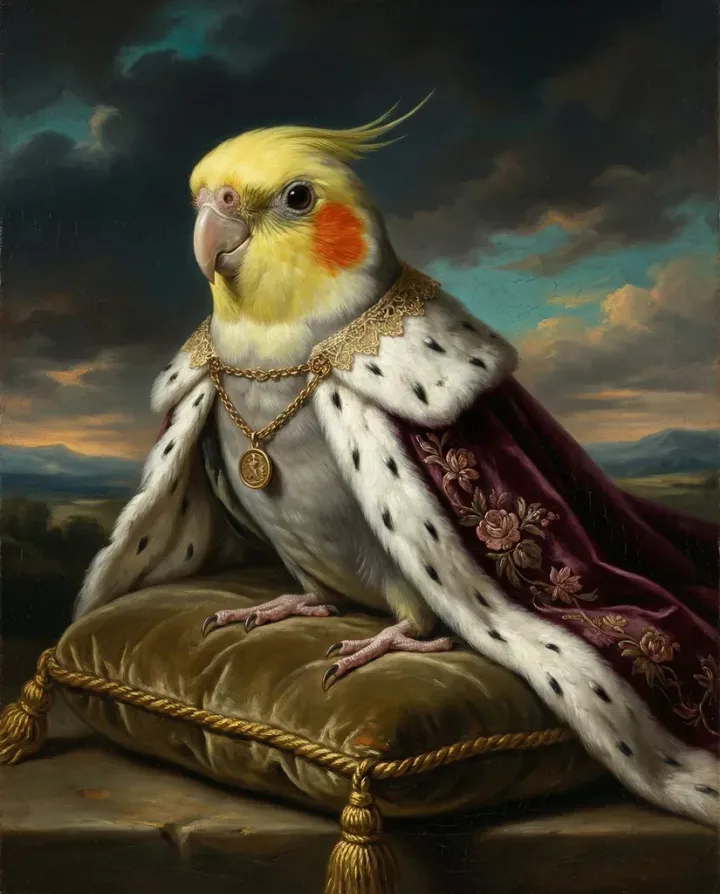
What sets it apart from other free AI portrait generators: the output genuinely looks like an oil painting, not a filter. (Read our full AI pet portrait generator guide for a deep dive.) Five distinct styles for pets (Royal Velvet, Florentine Court, Pastel Nobility, Caravaggio Twilight, Royal Azure) plus additional styles for families, couples, kids, and self-portraits.
Free tier: 3 generations per day with email. Full preview before paying anything. No credit card, no account signup required for previews.
Paid: $12.99 for HD digital download (4K PNG). Prints from $29.99.
Best for: Pet portraits, family portraits, anyone who wants print-quality classical art, not cartoon filters.
2. Canva AI Portrait Generator — Best for Quick Social Media
Canva's text-to-image tool lets you describe a portrait and generates it from scratch. It doesn't transform your actual photo, it creates a new image from a text prompt. Useful for generic illustrations but not for creating a portrait of your specific pet or person.
Free tier: Limited generations per month on free plan.
Best for: Generic AI art, social media graphics. Not for personalized portraits from your photos.
3. Adobe Firefly — Best for Photo Editing Integration
Adobe's AI generator creates portraits from text prompts and integrates with Photoshop. Strong on photorealistic human portraits. Limited for pet portraits specifically. The free tier gives you 25 monthly generative credits.
Free tier: 25 credits/month.
Best for: Designers already in the Adobe ecosystem. Overkill for a simple pet portrait.
4. ChatGPT / DALL-E — Most Versatile Free Option
ChatGPT's built-in DALL-E generates images from text descriptions. You can say "paint my dog in Renaissance style" and get a result. The catch: it creates an imagined dog, not your actual dog. You can upload a reference photo with a Plus subscription, but free tier is text-only.
Free tier: Limited daily generations. Text prompts only (no photo upload on free plan).
Best for: Creative exploration, concept art. Not for accurate portraits of your actual pet.
5. VisualGPT — Best Free No-Signup Option
Browser-based AI portrait generator that works without an account. Upload a photo, pick a style, get a result. The interface is simple and the output quality is decent for casual use. Resolution is limited on the free tier.
Free tier: No signup required. Limited resolution.
Best for: Quick experiments when you don't want to create an account anywhere.
6. Perchance AI Portrait Generator — Best for Unlimited Free Use
Community-built generator with no limits and no signup. The interface is bare-bones and the quality is inconsistent, but it's genuinely unlimited. Good for experimenting with prompts and styles without worrying about credits running out.
Free tier: Unlimited. No signup.
Best for: Experimentation and playing around. Not print quality.
7. FaceWow — Best for Face-Focused Portraits
Specializes in face transformations: aging, style transfer, cartoon effects. Works well for human selfies. Limited pet support. The free tier gives you several daily generations.
Free tier: Several daily generations. No signup.
Best for: Human face transformations. Weak on pet portraits.
| Generator | Uses Your Photo | Pet Portraits | Print Quality | Free Limit | Signup Required |
|---|---|---|---|---|---|
| Pet Canvas | ✓ | ✓ Best | 4K | 3/day | Email only |
| Canva | ✗ Text only | ✗ | Medium | Limited/mo | Yes |
| Adobe Firefly | ✗ Text only | Basic | High | 25/mo | Yes |
| ChatGPT/DALL-E | Paid only | Generic | 1024px | Limited/day | Yes |
| VisualGPT | ✓ | Decent | Low-Med | Limited | No |
| Perchance | ✗ Text only | Basic | Low | Unlimited | No |
| FaceWow | ✓ | Weak | Medium | Several/day | No |
Free vs Paid AI Portrait Generators: What's the Real Difference?
Three things. Resolution, style quality, and printing capability.
Resolution: Free generators typically output 512x512 or 1024x1024 pixels. That's fine for a phone screen. Print it at 8x10 inches and it looks soft. Print it at 16x20 and it's a pixelated mess. Paid tools like Pet Canvas output 4K (roughly 2300x1800 pixels), which prints crisp at any size up to 24x36.
Style quality: Free tools apply surface-level filters. The result screams "AI filter." Paid tools trained on specific art techniques produce results that look like actual paintings with proper brushstroke texture, lighting, and composition.
Printing: Free outputs come with watermarks, low resolution, or format restrictions that make printing impractical. Paid downloads are watermark-free, high-resolution, lossless PNG files ready for professional printing.
How to Use a Free AI Portrait Generator (Step by Step)
Taking Pet Canvas as the example since it's the most straightforward for photo-based portraits:
- Go to create.petcanvas.art (or /family, /couples, /kids, /self depending on your subject)
- Upload your photo. Clear face, good lighting, one subject per photo. This is where 80% of bad results come from. Not the AI. The source photo.
- Pick a style. Royal Velvet for drama, Florentine Court for elegance, Pastel Nobility for vibrancy, Caravaggio Twilight for gallery-worthy darkness, Royal Azure for calm nobility. Or choose "Intelligent" and let the AI decide.
- Wait 2 minutes. The AI generates your portrait.
- Preview the result. Completely free. No watermark on the preview. If you love it, buy the HD version ($12.99) or order a print ($29.99+). If not, try another style. Free. Repeat until satisfied.
Portrait Styles You Can Get With a Free AI Portrait Generator
Not all AI portrait generators offer the same styles. Here's what's actually available for free or with free preview in 2026.
Classical/Renaissance: Your subject in royal attire, oil painting style, gold accents. The "viral pet portrait" look. Available at Pet Canvas (5 variations), partially at VisualGPT.
Cartoon/Illustration: Simplified, colorful, social-media-friendly. Available at almost every free tool. Canva, DALL-E, and Perchance all do this well.
Photorealistic Enhancement: Your photo enhanced to look like a professional studio shot. Adobe Firefly does this best. Limited free use.
Watercolor/Impressionist: Soft brushstrokes, blended colors. Pet Canvas's Pastel Nobility covers this. Some Etsy AI tools offer it too.
Pop Art/Modern: Bold colors, Warhol-style. Several free tools handle this. Results are usually decent because the style is forgiving.
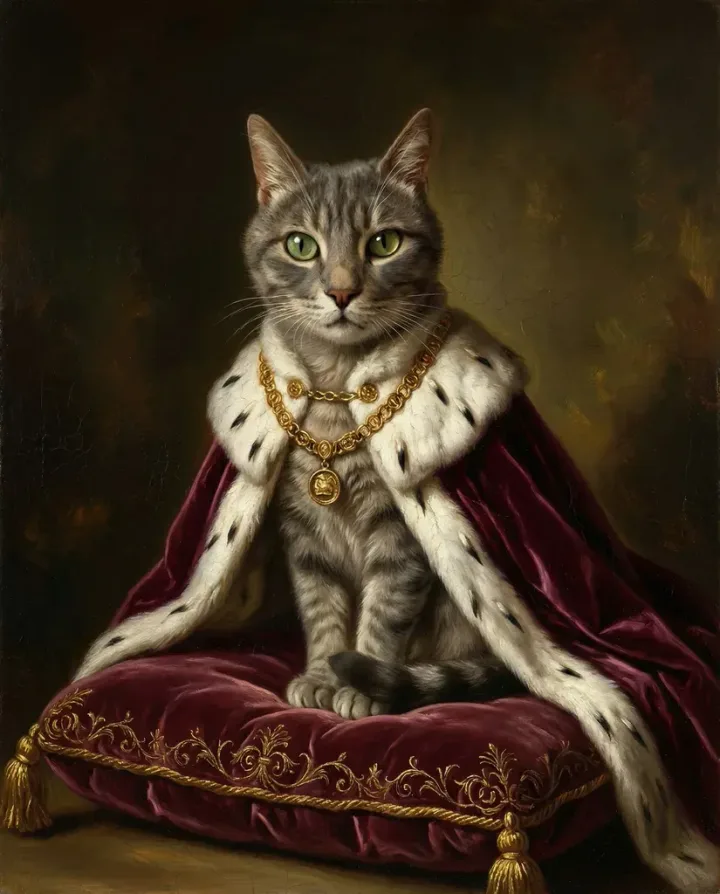
If you want something beyond generic filters, especially if you want classical painting styles that actually look painted and not "AI-filtered," the options narrow fast. Most free tools excel at cartoon and pop art but fall apart when trying to simulate oil painting technique. That's where specialized tools trained specifically on classical art, like Pet Canvas, have a clear edge.
Common Mistakes With Free AI Portrait Generators
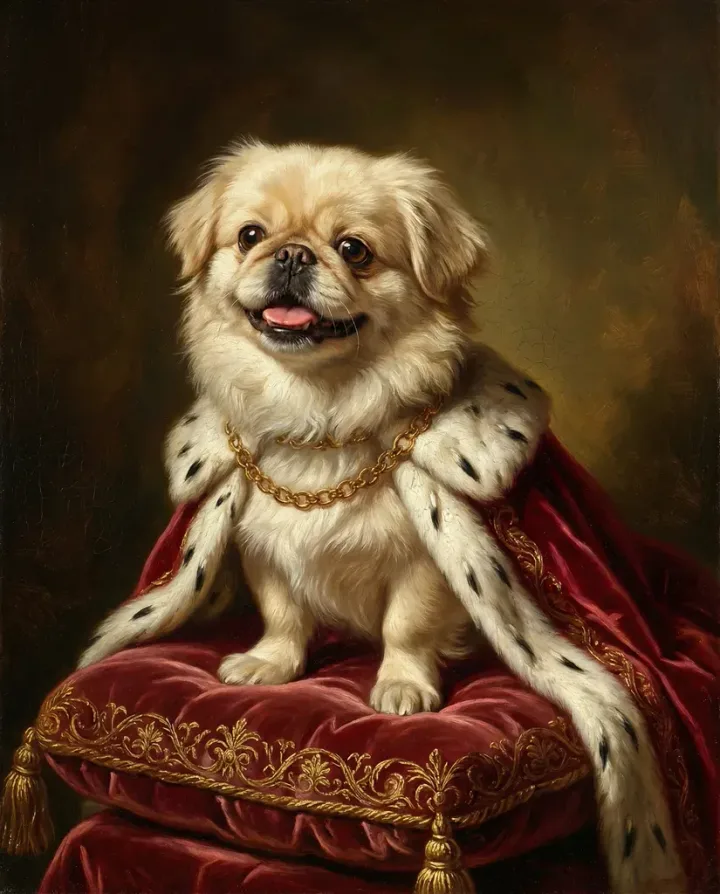
Turn Your Pet Into Art
Upload your pet photo, choose from dozens of artistic styles, and get a stunning portrait in minutes.
Create Your PortraitFree preview — try before you buy


